
Assembly Workstation Terminal: What Comes Next, On Screen
Frequent changeovers, similar-looking parts and slow onboarding of new operators usually trace back to picking the wrong part, wrong assembly order or a missed step. The workstation terminal puts the BOM sequence, part numbers, torque values and cycle time right in front of the operator; one scan per confirmation, and errors stop at the workstation.
Where the Problems Are
- Similar parts: variants in the same series look alike, and matching part numbers by eye invites mix-ups
- Sequence by experience: assemble A before B relies on memory for new operators and on habit for veterans
- Cycle time by shouting: when workstation pace and line speed drift apart, anomalies are found only when someone walks the line
- Changeover relies on notices: SOP and BOM must be reprinted and posted, and outdated versions often remain on site
How to Implement
- Define the workstation actions first: how many parts to pick, how many scans, whether torque is applied, whether weighing is needed
- Choose the mount: pole clamp for line posts, swing arm for line-side beams, wall mount where space is tight, Z-bracket for bench workstations
- Choose screen size: 5 inch is enough for single-step confirmation; choose 10.1 inch or larger for long part lists and drawings
- Signal integration: scan results go to the line PLC or pick-to-light system; on anomalies, the workstation screen and the tower light alert at the same time
Configuration Comparison
| Line Type | Common Models | Mounting and Ports |
|---|---|---|
| Manual assembly lines (multi-operation) | XT802C 5 inch | Pole clamp + built-in engine + DC 12V |
| Many parts, drawings required | XT802D 8 inch | Swing arm + built-in engine + Ethernet |
| Keyboard entry / label printing required | XT802F 15.6 inch | VESA swing arm + USB keyboard and mouse + local printer |
| One Ethernet cable along the line | XT802C POE Version | POE 48V power + Ethernet communication |
| Line-side dashboard and production reporting on one screen | XT802F-X86 15.6 inch | Wall mount + dual display output (per project) |
Workstation Photos


FAQ
The line already has a pick-to-light system; is a workstation terminal still needed?
The two are complementary: the pick-to-light system tells the operator which bin to pick from, while the workstation terminal verifies the scan, the assembly and which work order the unit is booked to. Scan results can be sent back to the pick-to-light system and MES via serial or Ethernet, so the two records stay consistent.
Will a screen mounted on the line block the operator?
Mounting follows the line layout: on the post side, above the line-side beam, or angled behind the bench are all workable, keeping the screen out of the picking path. During trial installation we bring brackets on site to compare viewing angles and confirm the screen does not block hands or bins.
On fast-cycle lines, is there time to scan?
The built-in engine has adjustable exposure; typical paper codes read in tens of milliseconds. On tight cycle times, merge the scan into the pick (scan while picking) and signal pass/fail with color and sound together to cut screen-watching time.
How is the process switched at changeover?
After changeover, the MES or local configuration switches the work order, and the screen automatically shows the new process diagram and BOM sequence; no reprinting or per-unit reconfiguration needed.
Models Commonly Used in This Scenario
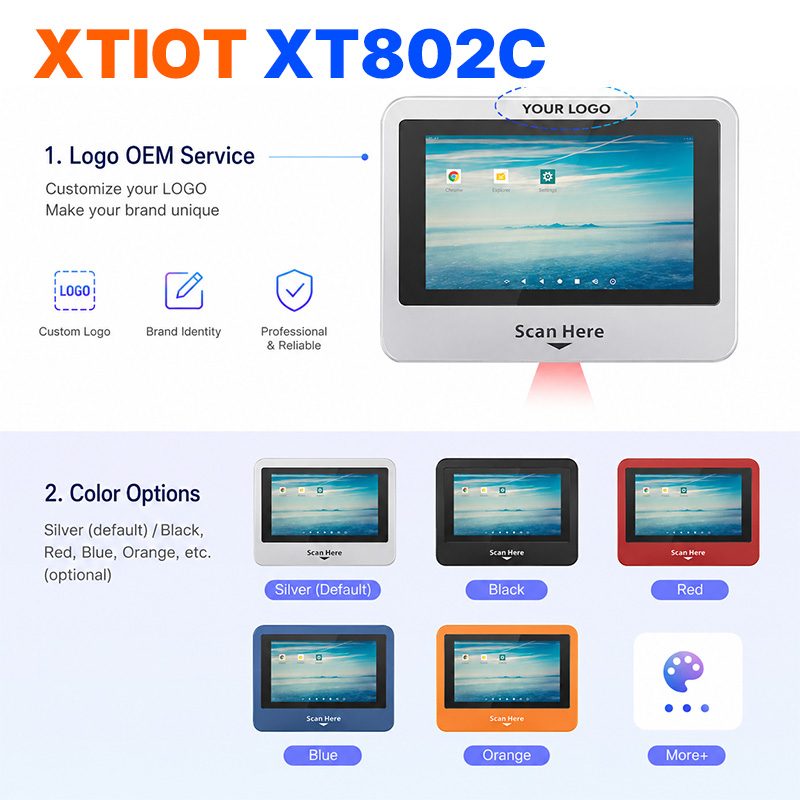
XT802C
XT802C is a 5 inch Android 11 industrial panel PC with 720×1280 portrait display, housing 148×110×40mm, weight 500g.
See specs and selection →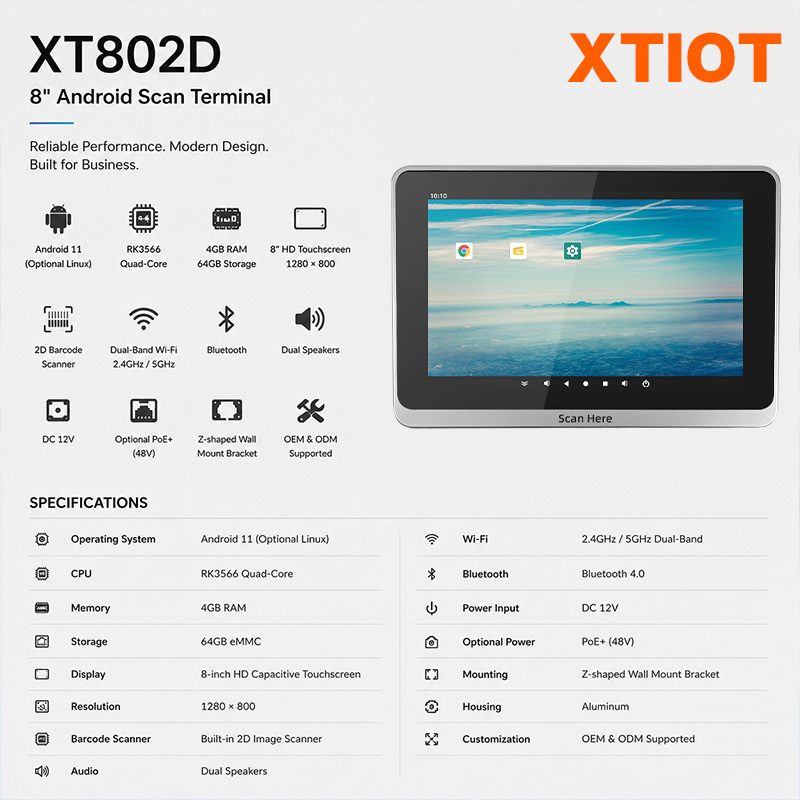
XT802D
XT802D is an 8 inch Android 11 industrial panel PC with 800×1280 portrait display, housing 212×143×37mm, weight 732g.
See specs and selection →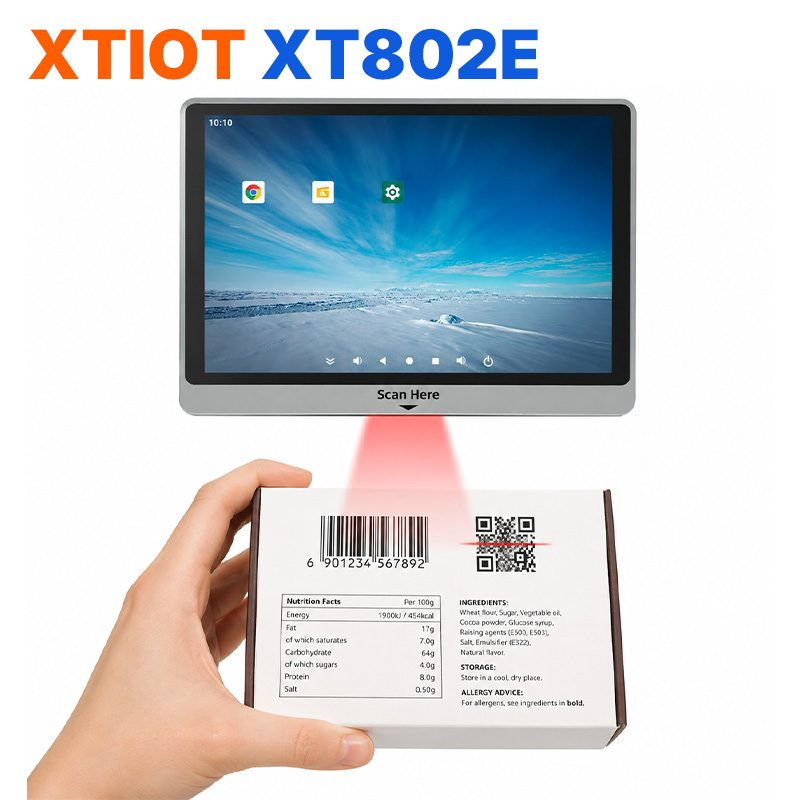
XT802E
XT802E is a 10.1 inch Android 11 industrial panel PC with 800×1280 resolution, housing 242×173×35mm, weight 878g,
See specs and selection →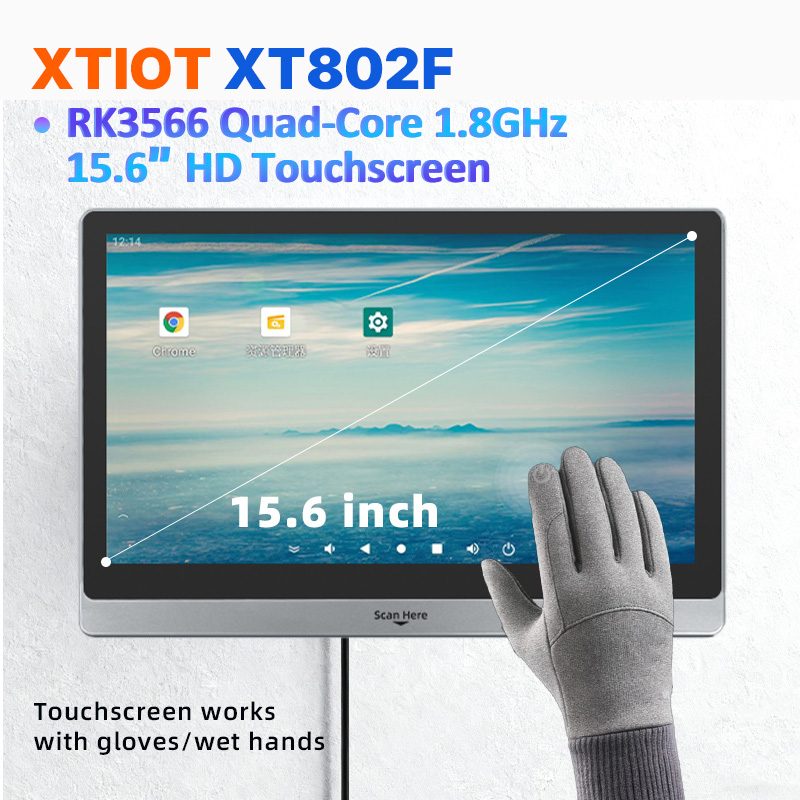
XT802F
XT802F is a 15.6 inch Android 11 industrial panel PC with 1366×768 landscape display, housing 382×261×35mm, weight 2.38kg.
See specs and selection →Describe your workstation and we will provide a configuration you can install directly
Describe the process, cycle time, scanning distance and software environment (MES / ERP / in-house), and we will provide a model, bracket and port proposal within 24 hours.