
XT802E-X86 10.1 inch industrial panel PC
The XT802E-X86 is a 10.1 inch Windows 10 industrial panel PC with an Intel J1900 quad-core 2.0GHz, 4G + 64G, in the same body size as the XT802E. Inspection software, print drivers and older MES clients that ran on a line PC can move to this unit as they are.


Technical specifications
| Projects | Specifications |
|---|---|
| Operating system | Windows 10; other OS versions confirmed per project |
| Processor / memory | Intel J1900 quad-core 2.0GHz; 4G + 64G, 8G + 128G available to order |
| Screen | 10.1 inch capacitive touch screen |
| Scan engine | 2D imaging, 640×480 CMOS; field of view 40° horizontal / 29° vertical / 49.4° diagonal |
| Supported symbologies | Common 1D barcodes, 2D codes and QR; paper and on-screen codes |
| Ports | RJ45 Ethernet ×1; RJ11 COM ×1; USB3.0 ×1; USB2.0 ×3; audio ×1; power button ×1 |
| Network | 2.4G / 5G WiFi; wired Ethernet; Bluetooth 5.0 |
| Power | DC 12V |
| Body | Same size and appearance as the XT802E; mounting dimensions per the ordered model's drawing |
| Installation | Z bracket with four mounting holes; wall or pole; optional VESA01 |
| Operating environment | 0~50℃, indoor workstation environment |
| Options | MRZ / ID OCR, NFC reader, colour and print, custom packaging |
Who this model suits
Suits workstations like these
- The workstation runs Windows-only inspection, measurement or printing software
- Local drivers needed for label printer, scale or torque tool
- MES client is .NET / WinForm, or depends on the IE engine
- Where data is copied by USB drive and logs are stored locally
Not recommended here
- A browser or lightweight app is enough (Android uses less power and boots faster)
- Boot speed matters (Windows cold starts are slower than Android)
- Heavy dust or high vibration without protection
What to check when fitting it to a workstation
| Stage | How it works |
|---|---|
| Where it mounts | Same size as the XT802E (around 242×173×35mm), so existing bracket holes carry over; the power button is on the side, so leave finger clearance. |
| Power supply | DC 12V adapter, with no PoE version. Where the workstation has just a network cable, add a 12V supply nearby or use a PoE splitter. |
| Software migration | Install the workstation PC's programs, drivers and configuration files as they are; for serial devices use an RJ11 to DB9 cable and verify baud rate and flow control on a sample before rollout. |
| System settings | Enable write protection or keep a one-key restore image to prevent stray installs, and set Windows updates to manual so units do not restart at shift change. |
Workstation Photos

How it compares in the series
| Model | Screen | OS | Processor / memory | Installation |
|---|---|---|---|---|
| XT802C | 5 inch 720×1280 | Android | RK3566 quad-core 1.8GHz; 4G + 64G, 2G + 32G available to order | Z bracket included, four mounting holes |
| XT802D | 8 inch 800×1280 | Android | RK3566 quad-core 1.8GHz; 4G + 64G, 2G + 32G available to order | Z bracket with four holes included |
| XT802E | 10.1 inch 800×1280 | Android | RK3566 quad-core 1.8GHz; 4G + 64G, 2G + 32G available to order | Z bracket with four holes included |
| XT802F | 15.6 inch 1366×768 | Android | RK3566 quad-core 1.8GHz; 4G + 64G, 2G + 32G available to order | VESA01 standard hole pattern |
| XT802E-X86 | 10.1 inch | Windows | Intel J1900 quad-core 2.0GHz; 4G + 64G, 8G + 128G available to order | Z bracket with four mounting holes |
| XT802F-X86 | 15.6 inch 1366×768 | Windows | Intel J1900 quad-core 2.0GHz; 4G + 64G, 8G + 128G available to order | VESA01 hole pattern |
| XT802G-X86 | 11.6 inch | Windows | Intel J4125 quad-core 2.0GHz; 8G + 128G, configurable | VESA bracket (optional) |
| XTCM215 | 21.5 inch, ten-point touch; 1080×1920 portrait | Windows | Intel Celeron J1900 quad-core 2.00GHz; DDR3 4G + 64G SSD | Wall bracket included |
| XTCM320 | 32 inch, 1080×1920 portrait | Windows | Intel i5-3320M; 4G + 128G SSD | Wall bracket included |
FAQ
Will the J1900 run our software?
The J1900 is a low-power quad-core 2.0GHz platform that handles standard inspection screens, serial communication and label printing. If the software does image processing, video analysis or a local database, send us the actual program for a test, or specify a higher-spec mainboard.
Will Windows 10 updates take a unit offline?
Units can ship with updates disabled, or you can set a metered connection or group policy. For volume deliveries we configure to your IT standard, including account rights, startup items and restore policy.
Can we install software that uses a USB dongle?
Yes, the USB port accepts a dongle. Watch the power budget when a dongle, scanner and printer share the ports, and use a powered USB hub if needed.
Do Windows and Android models share brackets?
The XT802E-X86 has the same size and appearance as the XT802E, and the Z bracket and VESA01 are shared; the same applies to the XT802F-X86 and XT802F. On mixed lines, stock brackets by size rather than by operating system.
Neighbouring models in the series
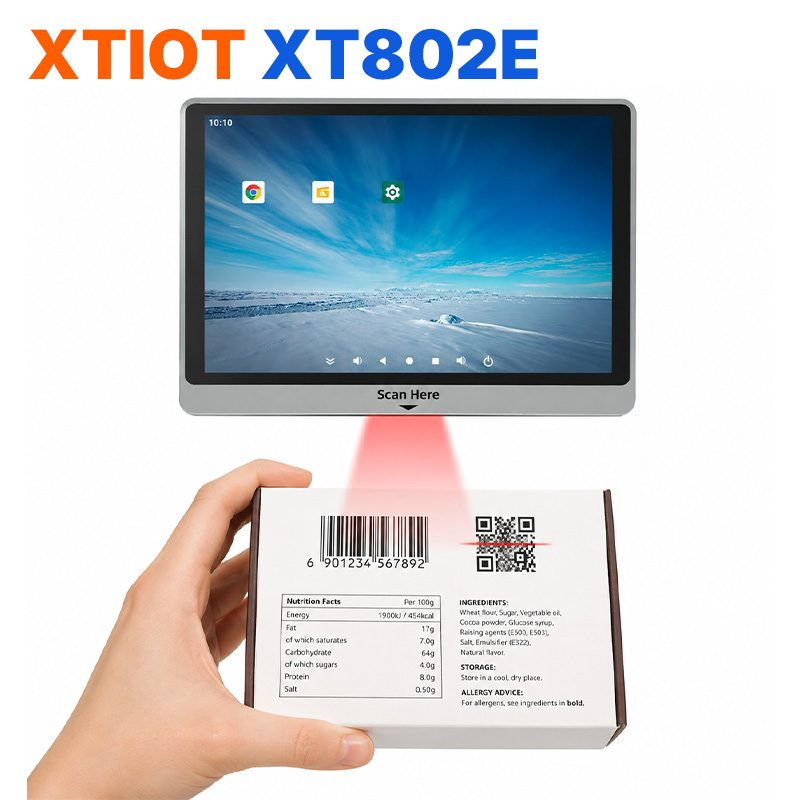
XT802E
XT802E is a 10.1 inch Android 11 industrial panel PC with 800×1280 resolution, housing 242×173×35mm, weight 878g,
See specs and selection →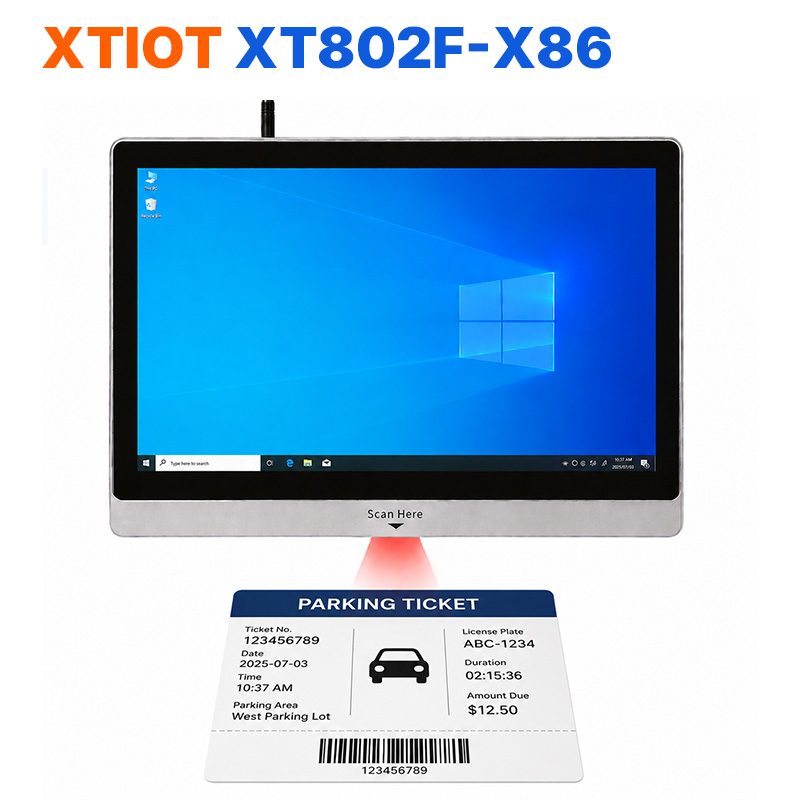
XT802F-X86
XT802F-X86 is a 15.6 inch Windows 10 industrial panel PC with 1366×768, Intel J1900 and 4G + 64G.
See specs and selection →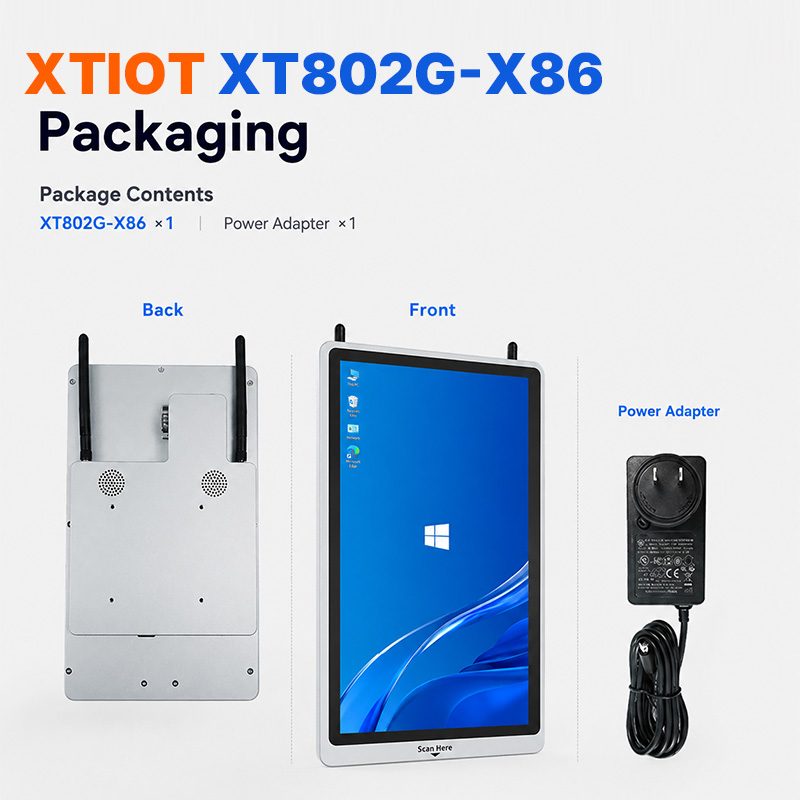
XT802G-X86
XT802G-X86 is an 11.6 inch Windows 10 industrial panel PC with Intel J4125 quad-core and 8G + 128G,
See specs and selection →Describe your workstation and we will provide a configuration you can install directly
Describe the process, cycle time, scanning distance and software environment (MES / ERP / in-house), and we will provide a model, bracket and port proposal within 24 hours.