
XT802F-X86 15.6 inch industrial panel PC
The XT802F-X86 is a 15.6 inch Windows 10 industrial panel PC with 1366×768, an Intel J1900 and 4G + 64G. It adds VGA and HDMI over the Android version and can drive a second screen, which suits warehouse boards, inspection benches and multi-screen workstations.


Technical specifications
| Projects | Specifications |
|---|---|
| Operating system | Windows 10; other OS versions confirmed per project |
| Processor / memory | Intel J1900 quad-core 2.0GHz; 4G + 64G, 8G + 128G available to order |
| Screen | 15.6 inch capacitive touch screen, 1366×768 |
| Scan engine | 2D imaging, 640×480 CMOS; field of view 40° horizontal / 29° vertical / 49.4° diagonal |
| Supported symbologies | Common 1D barcodes, 2D codes and QR; paper and on-screen codes |
| Ports | LAN ×1; VGA ×1; HDMI ×1; USB3.0 ×1; USB2.0 ×3; COM ×1; audio ×1 |
| Network | 2.4G / 5G WiFi; wired Ethernet; Bluetooth 5.0 |
| Power | DC 12V |
| Body / weight | 382 × 261 × 35mm; per the ordered model's drawing |
| Installation | VESA01 holes; wall bracket, floor stand, swing arm |
| Operating environment | 0~50℃, indoor; add shading where light is strong |
| Options | MRZ / ID OCR, colour and print, custom packaging |
Who this model suits
Suits workstations like these
- Warehouse receiving and dispatch check desks: line-item tables with an external second screen
- Inspection bench: drawing on one screen, verdict on the other
- KDS kitchen display and order calling (common in Windows restaurant software)
- Training positions needing VGA / HDMI to a projector or large screen
Not recommended here
- Data viewing with no external screen (the Android version is simpler)
- Long portrait lists (21.5 inch portrait suits better)
- Mounting space smaller than A3 (choose 10.1 or 11.6 inch)
What to check when fitting it to a workstation
| Stage | How it works |
|---|---|
| Where it mounts | VESA01 holes for a wall or floor mount; screen centre 1.2–1.5m above the floor, operating distance 50–80cm; with a second screen, face the host ports downward for easier cable routing. |
| Power supply | DC 12V on a dedicated circuit where possible; do not share a power strip with high-draw equipment. Run cables in trunking so forklifts cannot catch them. |
| What to Connect | LAN to WMS / MES, COM to a scale or scanner, USB to a printer, HDMI to a second screen. |
| Second screen setup | Set Windows to extend rather than duplicate: the main screen for the operating interface, the second for details or a board, so the pointer does not jump between screens. |
Workstation Photos

How it compares in the series
| Model | Screen | OS | Processor / memory | Installation |
|---|---|---|---|---|
| XT802C | 5 inch 720×1280 | Android | RK3566 quad-core 1.8GHz; 4G + 64G, 2G + 32G available to order | Z bracket included, four mounting holes |
| XT802D | 8 inch 800×1280 | Android | RK3566 quad-core 1.8GHz; 4G + 64G, 2G + 32G available to order | Z bracket with four holes included |
| XT802E | 10.1 inch 800×1280 | Android | RK3566 quad-core 1.8GHz; 4G + 64G, 2G + 32G available to order | Z bracket with four holes included |
| XT802F | 15.6 inch 1366×768 | Android | RK3566 quad-core 1.8GHz; 4G + 64G, 2G + 32G available to order | VESA01 standard hole pattern |
| XT802E-X86 | 10.1 inch | Windows | Intel J1900 quad-core 2.0GHz; 4G + 64G, 8G + 128G available to order | Z bracket with four mounting holes |
| XT802F-X86 | 15.6 inch 1366×768 | Windows | Intel J1900 quad-core 2.0GHz; 4G + 64G, 8G + 128G available to order | VESA01 hole pattern |
| XT802G-X86 | 11.6 inch | Windows | Intel J4125 quad-core 2.0GHz; 8G + 128G, configurable | VESA bracket (optional) |
| XTCM215 | 21.5 inch, ten-point touch; 1080×1920 portrait | Windows | Intel Celeron J1900 quad-core 2.00GHz; DDR3 4G + 64G SSD | Wall bracket included |
| XTCM320 | 32 inch, 1080×1920 portrait | Windows | Intel i5-3320M; 4G + 128G SSD | Wall bracket included |
FAQ
Can the two screens show different content?
Yes. Connect one display to VGA and one to HDMI and select extend mode in Windows settings: the main screen for operation, the second for display. Driving two 1080p panels at once, video is hard work for the J1900, while tables and static screens are fine.
Kitchen KDS environments are hot and greasy. Can it be used there?
Yes, with protection: tilt the screen face down to reduce grease deposits, add a grease guard, and clean the screen and vents weekly. Where kitchen temperatures stay above 45℃, move the host into a cabinet and leave just the panel exposed.
How much is the 15.6 inch Windows model?
Price varies with memory, storage, bracket and options; standard configurations are quoted per unit and volumes on a tiered basis. Send quantity, mounting and interface needs and the quote lists the configuration differences.
Can you preinstall our WMS client?
Yes. Send the installer and configuration files and we install and run a connectivity test before shipping. For accounts and keys, your IT team should configure remotely and we prepare the environment.
Neighbouring models in the series
XT802F
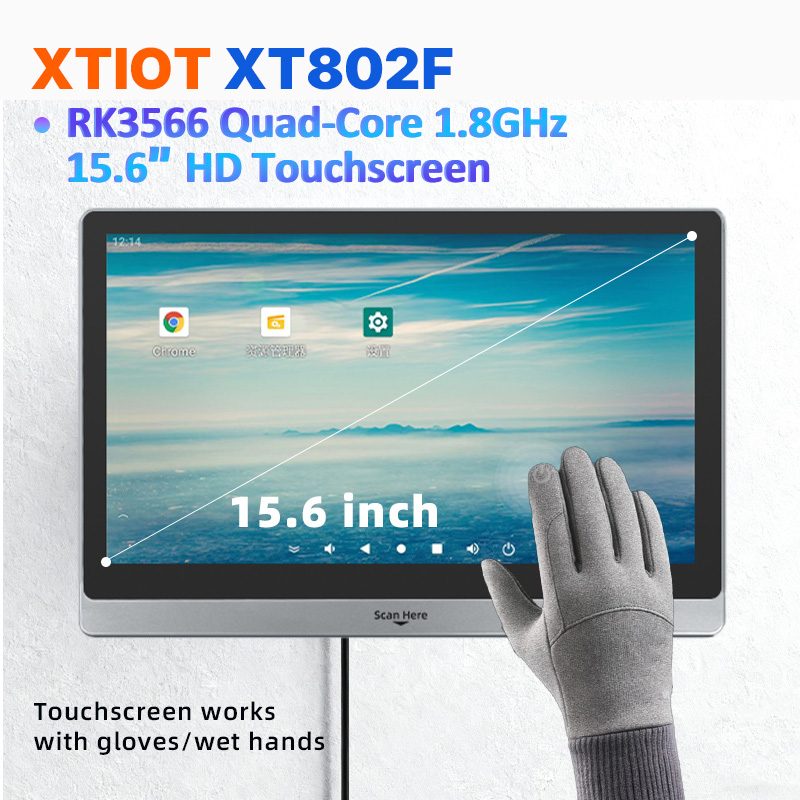
XT802F is a 15.6 inch Android 11 industrial panel PC with 1366×768 landscape display, housing 382×261×35mm, weight 2.38kg.
See specs and selection →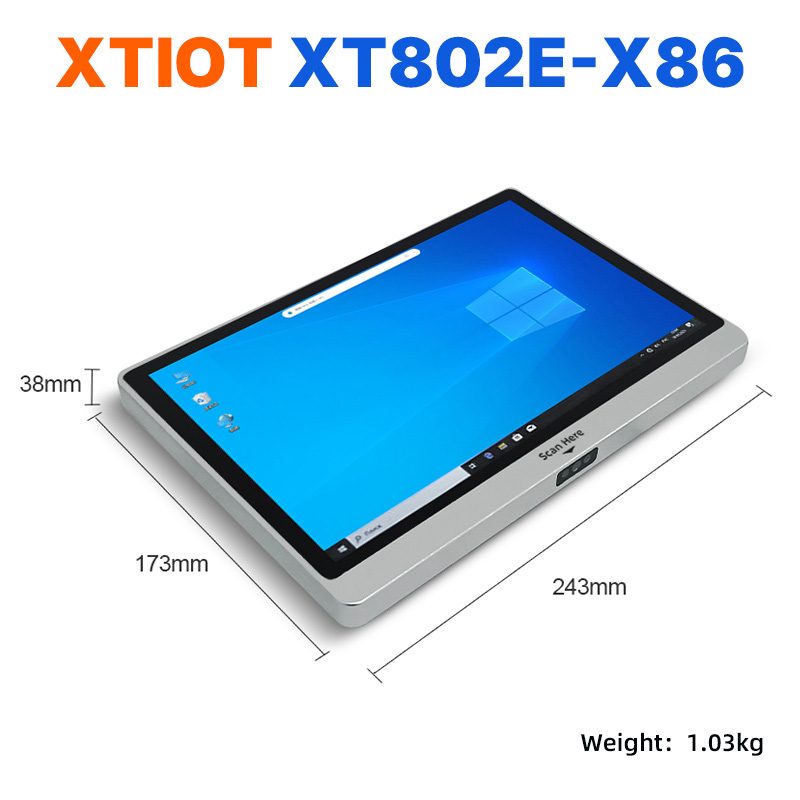
XT802E-X86
XT802E-X86 is a 10.1 inch Windows 10 industrial panel PC with Intel J1900 quad-core 2.0GHz and 4G + 64G,
See specs and selection →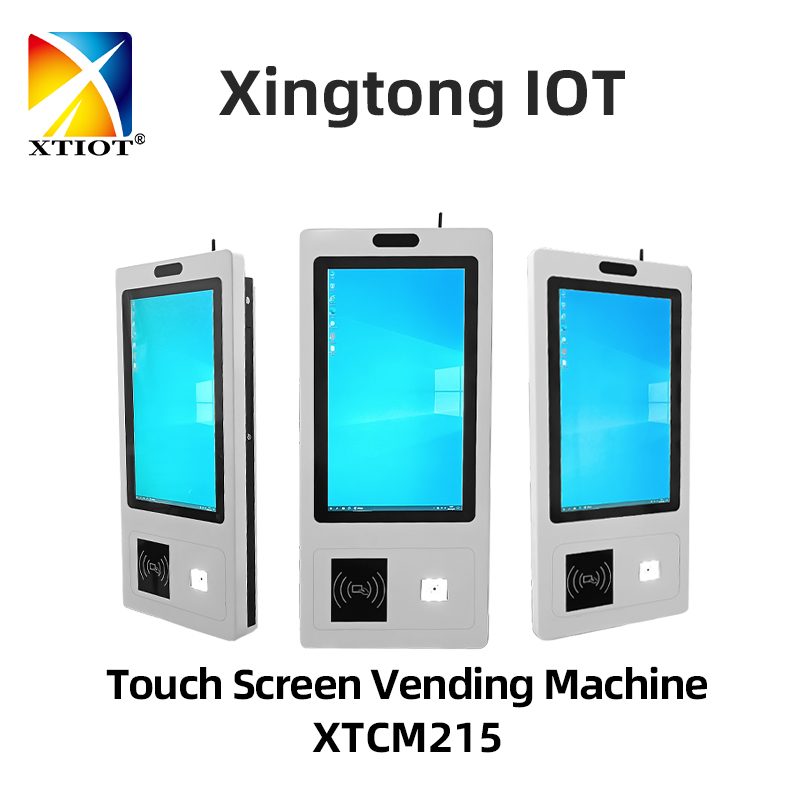
XTCM215
XTCM215 is a 21.5 inch Windows portrait all-in-one with 1080×1920, 10-point touch and J1900 quad-core + 4G + 64G SSD,
See specs and selection →Describe your workstation and we will provide a configuration you can install directly
Describe the process, cycle time, scanning distance and software environment (MES / ERP / in-house), and we will provide a model, bracket and port proposal within 24 hours.