
Choosing a size: viewing distance, then content
Bigger is not better. A large screen takes bench space, costs more and is harder to angle; a small one forces sideways scrolling and operators cannot read it. A simple rule: screen diagonal (inch) × 2.5 ≈ comfortable viewing distance (cm), then go one size up depending on how much content the interface carries.
Dimensions and weight across seven sizes
| Size | Model | Resolution | Body (mm) | Weight | Installation |
|---|---|---|---|---|---|
| 5 inch | XT802C | 720×1280 | 148 × 110 × 40 | 500g | Z-bracket |
| 8 inch | XT802D | 800×1280 | 212 × 143 × 37 | 732g | Z bracket / VESA01 |
| 10.1 inch | XT802E / E-X86 | 800×1280 | 242 × 173 × 35 | 878g (unit) | Z bracket / VESA01 / embedded |
| 11.6 inch | XT802G-X86 | — | Refer to drawings | — | VESA (optional) |
| 15.6 inch | XT802F / F-X86 | 1366×768 | 382 × 261 × 35 | 2.38kg | VESA01 |
| 21.5 inch | XTCM215 | 1080×1920 (portrait) | — | — | Wall mount standard / floor stand optional |
| 32 inch | XTCM320 | 1080×1920 (portrait) | — | — | Wall mount standard |
Work back from viewing distance
| Viewing distance | Suggested size | Typical position |
|---|---|---|
| 20–30cm (code surface brought close by hand) | 5 inch | Narrow workstations, shelf positions, single-operation reporting |
| 35–50cm (standing operation) | 8 inch | Assembly, packing, material check |
| 45–70cm | 10.1 inch | Quality inspection, test bench, machine panel cut-out |
| 50–80cm | 11.6 / 15.6 inch | Warehouse receiving desk, inspection bench, many parameter columns |
| 1.5–3m | 15.6 inch | Line-side boards, multi-operation summaries |
| 3–5m | 21.5 / 32 inch | Shop-floor aisles, entrance information screens, queue calling |
Three common pitfalls
- Choosing by diagonal alone, ignoring resolution: The 15.6 inch panel is 1366×768 and the 10.1 inch is 800×1280. A portrait interface on a 15.6 inch landscape screen leaves side margins, so screenshot the interface at the target resolution before choosing.
- Ignoring mounting depth: The XT802E body is 35mm deep, and a panel cut-out needs airflow space; with a bracket, total depth grows by 60–120mm, which matters beside walkways.
- Using a bigger screen to fix small text: For distant viewing, enlarge the type before considering a larger screen. A 21.5 inch portrait screen filled with a table is still unreadable at 5 m.
FAQ
The 8 inch and 10.1 inch models share a resolution. Why does one cost more?
The panel area is a third larger and the housing and backlight structure differ, so the cost difference sits in the panel and mechanics. The shared resolution means the interface code needs no change; the display and touch targets are simply larger.
Can a portrait interface run on a landscape unit?
Yes, but it leaves margins at the sides or needs a new layout. A 15.6 inch landscape screen suits landscape interfaces; for long portrait lists, use a 21.5 inch portrait screen (1080×1920).
Can the 21.5 inch model be mounted landscape?
The XTCM215 is designed for portrait use; landscape mounting requires a different bracket and interface layout and is a project-specific option. Standard shipments are portrait.
We need a cut-out for a machine panel. Are drawings available?
Yes. We provide cut-out drawings for the 10.1 and 15.6 inch models, with tolerances and airflow clearance notes, and the panel can be machined to them. For volume projects, build one sample unit to check the fit before the batch.
Related Models
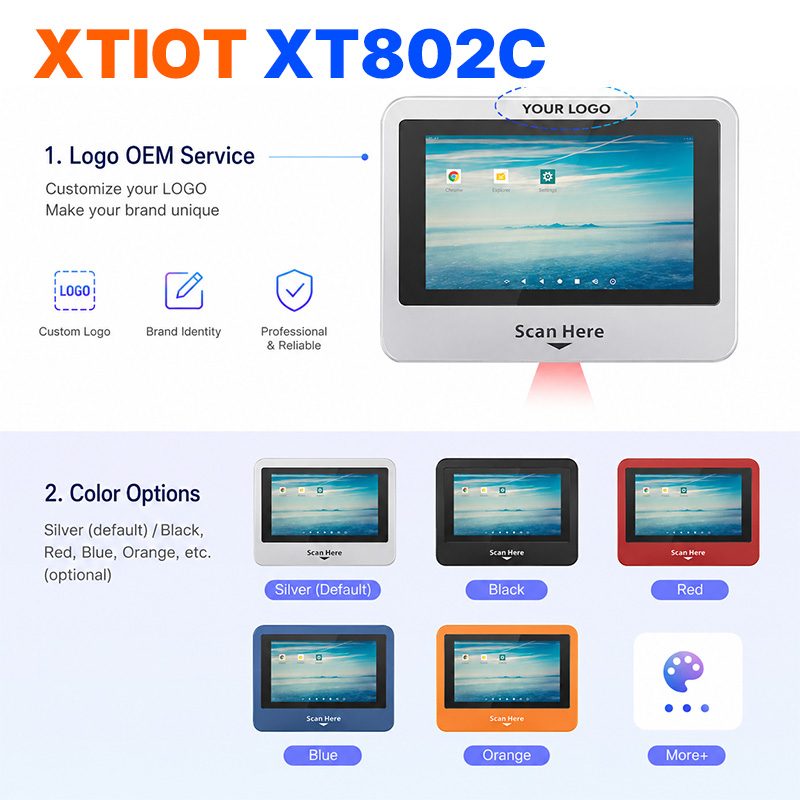
XT802C
XT802C is a 5 inch Android 11 industrial panel PC with 720×1280 portrait display, housing 148×110×40mm, weight 500g.
See specs and selection →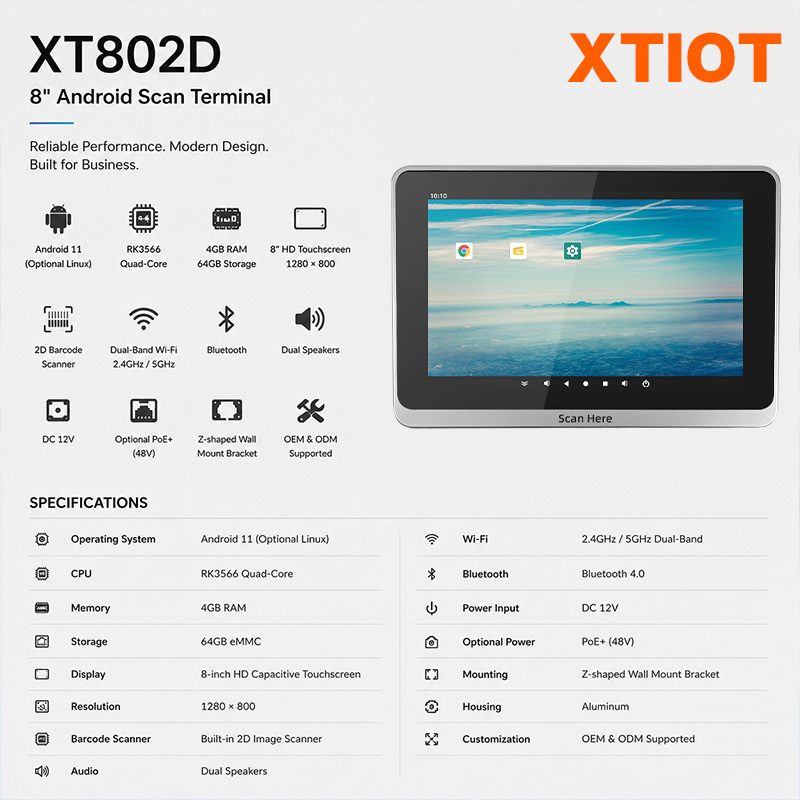
XT802D
XT802D is an 8 inch Android 11 industrial panel PC with 800×1280 portrait display, housing 212×143×37mm, weight 732g.
See specs and selection →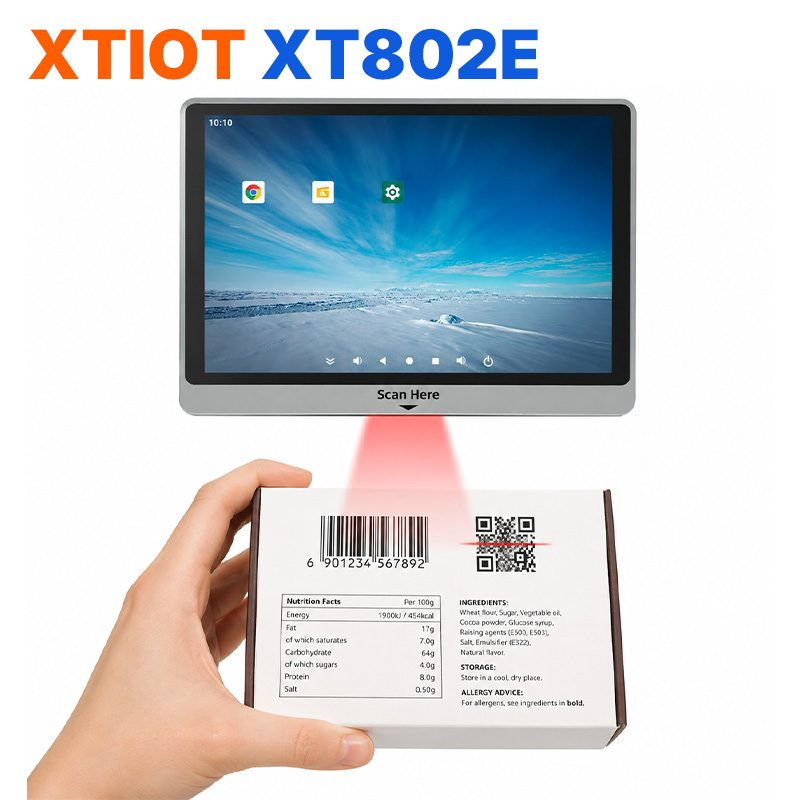
XT802E
XT802E is a 10.1 inch Android 11 industrial panel PC with 800×1280 resolution, housing 242×173×35mm, weight 878g,
See specs and selection →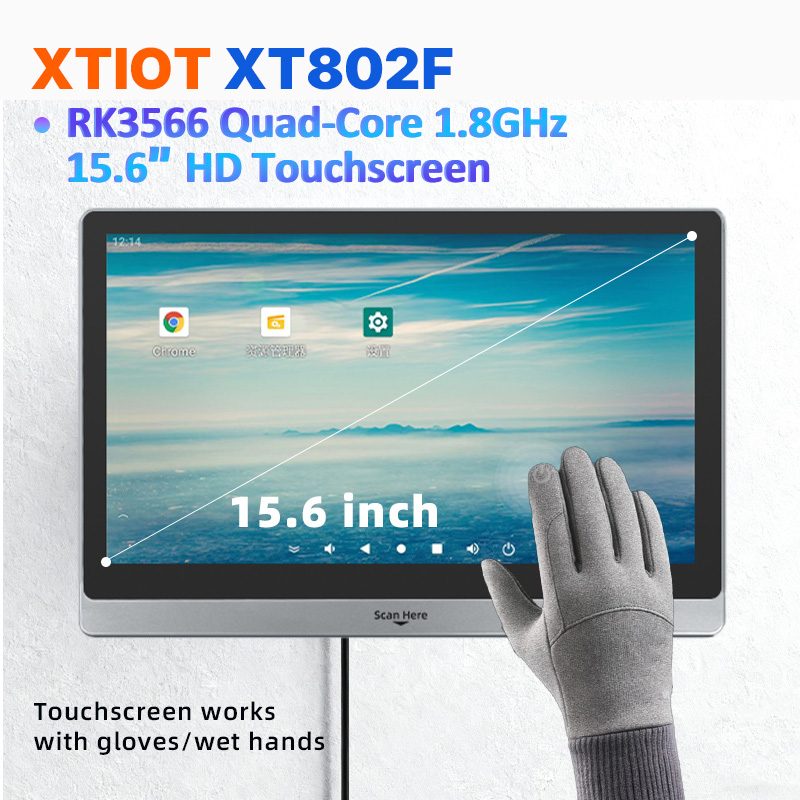
XT802F
XT802F is a 15.6 inch Android 11 industrial panel PC with 1366×768 landscape display, housing 382×261×35mm, weight 2.38kg.
See specs and selection →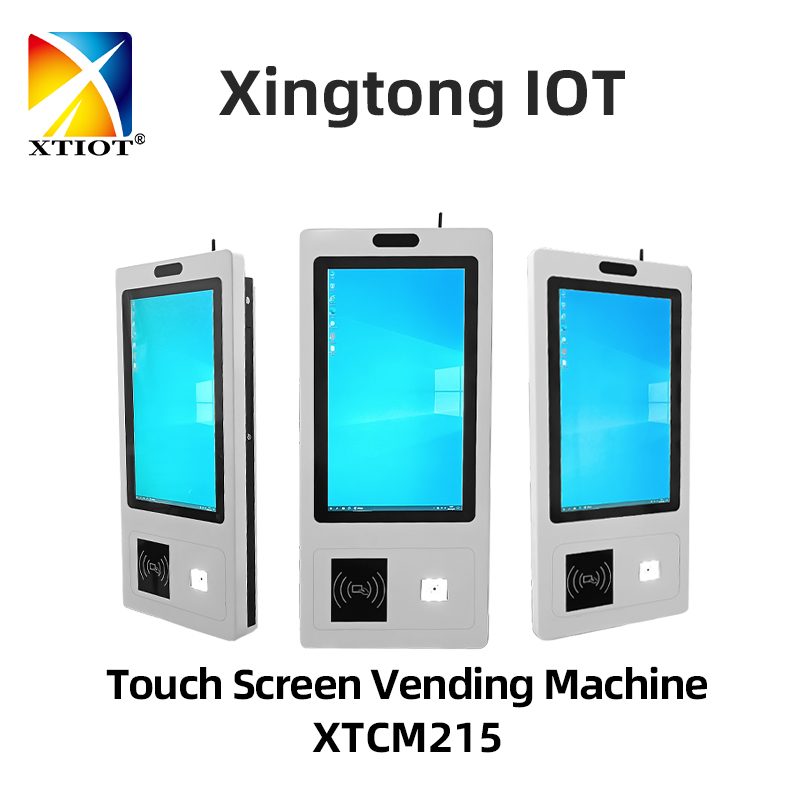
XTCM215
XTCM215 is a 21.5 inch Windows portrait all-in-one with 1080×1920, 10-point touch and J1900 quad-core + 4G + 64G SSD,
See specs and selection →Describe your workstation and we will provide a configuration you can install directly
Describe the process, cycle time, scanning distance and software environment (MES / ERP / in-house), and we will provide a model, bracket and port proposal within 24 hours.