
SOP on screen: no reprint at changeover
The problem with paper SOPs is not how they look but that versions lag. When a process changes, dozens of paper copies on the floor are either unchanged or half changed. Put the SOP on the workstation screen and a change made at the back end takes effect at the next refresh, with the old version still on record.
Where the Problems Are
- Changeover, new version: the same unit pulls the matching process file by work order number
- Images beat text: assembly diagrams, torque values and inspection points enlarge on screen
- Video playback: a 30-second clip of a complex motion does more than a paragraph of text
- Audit trail: the system records who viewed which version and when
How to Implement
- Split the existing SOP into one page per operation: each page carries just that operation's drawing, key parameters and inspection points
- Set screen size and orientation: 10.1 or 15.6 inch landscape where assembly drawings dominate, 8 inch portrait for step-by-step flows
- Tie to the work order: the terminal requests the matching SOP version by work order number, avoiding manual selection errors
- Run a pilot batch: experienced operators work the job on the new screen and confirm type size and diagrams before the line rollout
Configuration Comparison
| SOP content | Screen advice | Notes |
|---|---|---|
| Text-only steps with minimal diagrams | XT802D 8 inch | Portrait, one operation per screen, with a clear page rhythm |
| Assembly drawings / exploded views / inspection points | XT802E 10.1 inch | Diagrams zoom without losing detail |
| Full line routing or many parameter columns | XT802F 15.6 inch | Landscape side by side, legible from a distance |
| Operation videos / training material | XT802F or XTCM215 | Large screen for group viewing |
Workstation Photos


FAQ
Our SOPs are PDF and PPT files. Can they open on the screen directly?
Yes. The Android version runs a PDF reader or previews in the browser, and the Windows version opens them directly. Export the PDF as one page per operation so operators do not zoom in and out to find their place.
With SOPs on the screen, will operators use it to watch videos?
Use an application allowlist: permit the business app and a specified browser, and block other installs. Android supports kiosk mode, and Windows can use a restricted account with group policy.
Changeovers are frequent. Is switching SOPs a hassle?
Bind the SOP to the work order number and the matching version opens after a scan; you can also place an operation code at the workstation and scan to switch. A new version takes effect at the next refresh, with no per-unit work.
Will the screen become hard to read quickly on the shop floor?
Dust and oil are the main issues. Fit a sunshade, tilt the screen face down 10–15°, and wipe with a neutral cleaner once per shift. In direct light a baffle works better than raising brightness.
Models Commonly Used in This Scenario
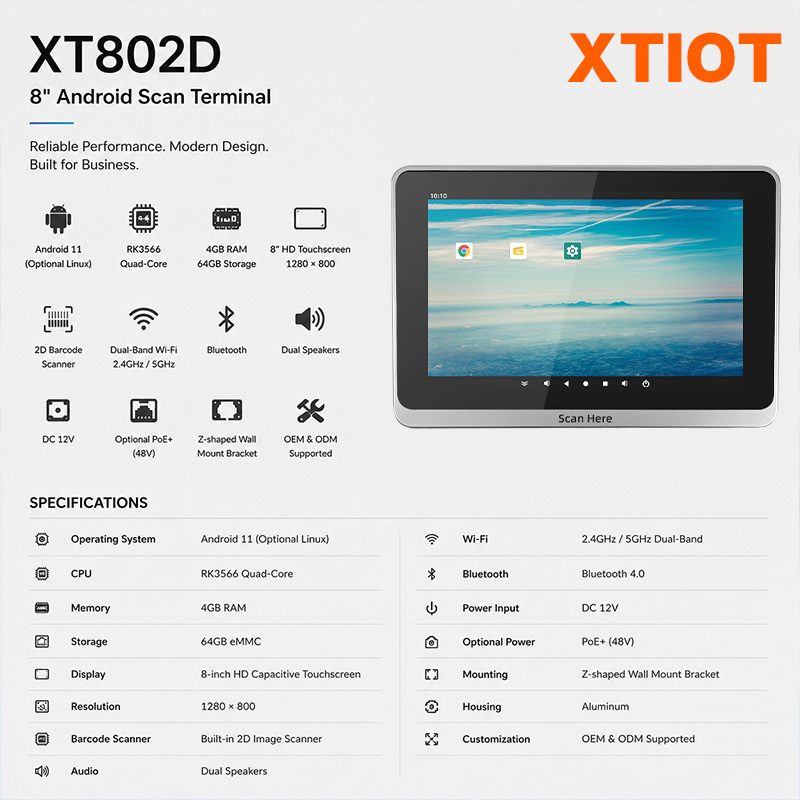
XT802D
XT802D is an 8 inch Android 11 industrial panel PC with 800×1280 portrait display, housing 212×143×37mm, weight 732g.
See specs and selection →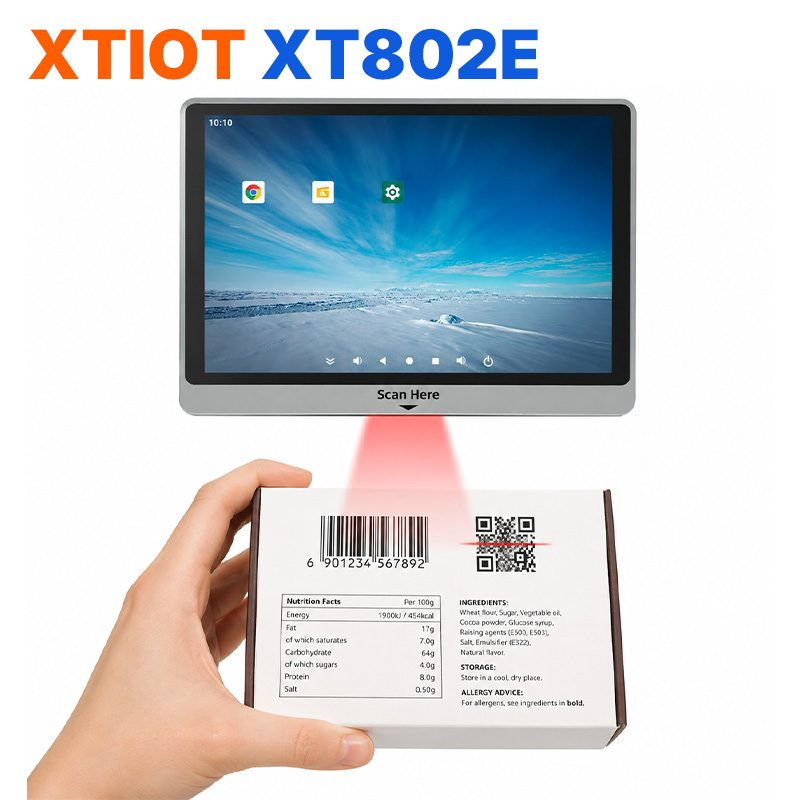
XT802E
XT802E is a 10.1 inch Android 11 industrial panel PC with 800×1280 resolution, housing 242×173×35mm, weight 878g,
See specs and selection →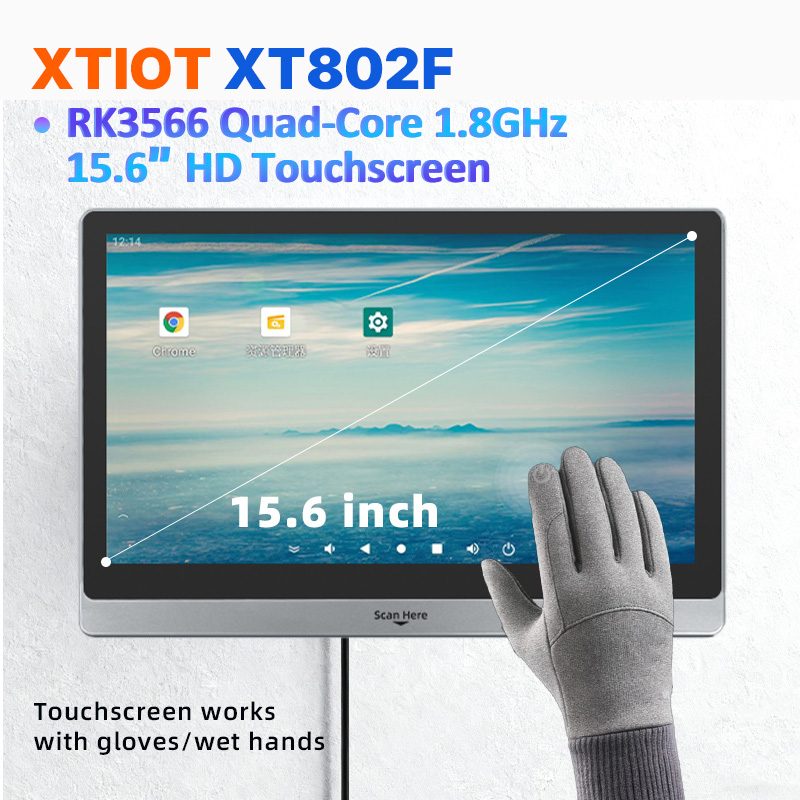
XT802F
XT802F is a 15.6 inch Android 11 industrial panel PC with 1366×768 landscape display, housing 382×261×35mm, weight 2.38kg.
See specs and selection →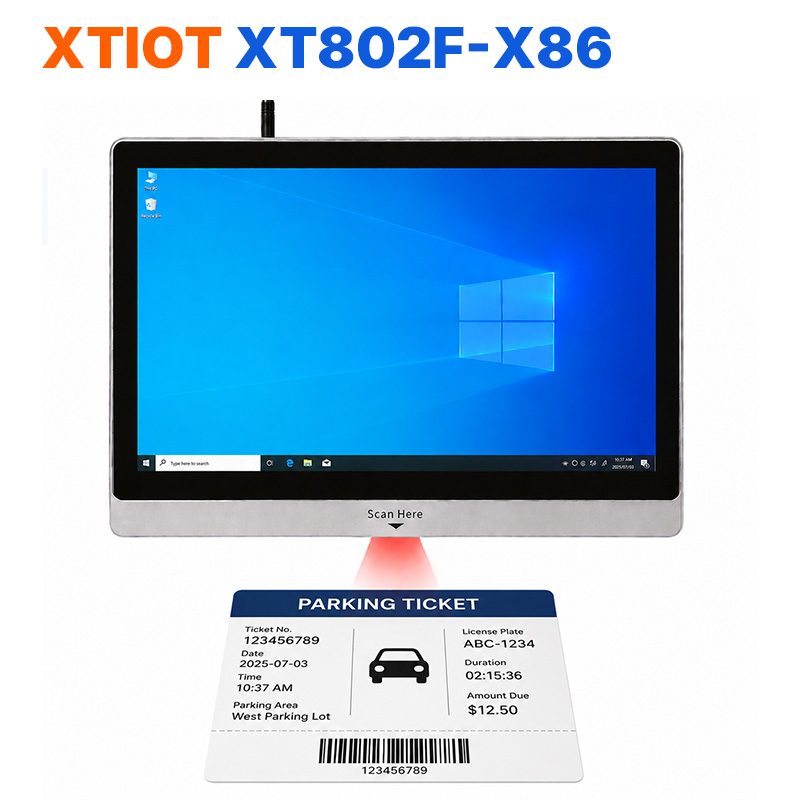
XT802F-X86
XT802F-X86 is a 15.6 inch Windows 10 industrial panel PC with 1366×768, Intel J1900 and 4G + 64G.
See specs and selection →Describe your workstation and we will provide a configuration you can install directly
Describe the process, cycle time, scanning distance and software environment (MES / ERP / in-house), and we will provide a model, bracket and port proposal within 24 hours.