
Chestny Znak Workstation: Three-Level Linking in One Device
Factories shipping to Russia must pass the Chestny Znak requirement: unit codes registered, box codes linked, carton and pallet codes uploaded level by level; a missed step stalls the goods at customs or the warehouse. A touchscreen terminal with a scan window at the workstation handles the three-level linking where the data is created.
Where the Problems Are
- Three-level linking in one place: unit → box → carton → pallet, bound on scan, less re-entry
- Anomalies flagged on the spot: duplicate codes, unregistered codes and level mismatches, with the exact code values listed on screen
- Data format per the counterparty: export file or API upload, with fields and order agreed per project
- Start with a small batch: deploy one workstation terminal to prove the flow, then extend along the line
How to Implement
- Confirm the business role: manufacturer, importer or packager, which determines which data levels must be submitted
- Define symbology and labels: DataMatrix as the primary format; confirm code size and print quality (whether the grade passes directly affects the read rate)
- Staff the stations: one all-in-one with built-in engine for main scanning; add a fixed code reader at pallet or large-carton stations
- Run a real order first: go through the full flow from registration to upload and confirm the other system receives it correctly before scaling up
Configuration Comparison
| Stage | Equipment | Action |
|---|---|---|
| Unit coding / verification | XT802C / XT802D + built-in engine | Scan unit by unit; verify code value and status |
| Box-to-Carton Linking | XT802D / XT802E | Scan the box code, then scan unit codes in a row to complete one-to-many binding |
| Pallet Consolidation | XT802F + external fixed code reader | Read a full pallet and generate the pallet and carton code lists |
| Label Reprint | XTCM320 (built-in printer) | Reprint problem codes on site without stopping the line |
Workstation Photos


FAQ
Can you integrate with CRPT data formats?
The hardware handles capture and local verification; data format and upload interface are integrated per project: your software can generate the required file, or we can help with field mapping. Interface documentation is confirmed at project kickoff.
Can you read very small DataMatrix codes?
The built-in engine reads standard DataMatrix codes; the smaller the modules, the more sensitive to print quality and lighting. Test on real labels first: read one batch of labels 50 times in a row, record the failures, then decide whether to add a fixed code reader or change the light source.
How many units per line?
Count by the stations that create data: one unit each at the coding, box packing, carton packing and pallet stations is a common setup; if a fixed code reader covers the pallet station, the workstation terminal only handles display and confirmation.
Can we just use a scanner gun + PC?
Yes, but the workstation gains a PC, a monitor, a scanner and three cables. The all-in-one merges them into one device; the mounting spot needs only a bracket and one Ethernet cable, with less change to the line.
Models Commonly Used in This Scenario
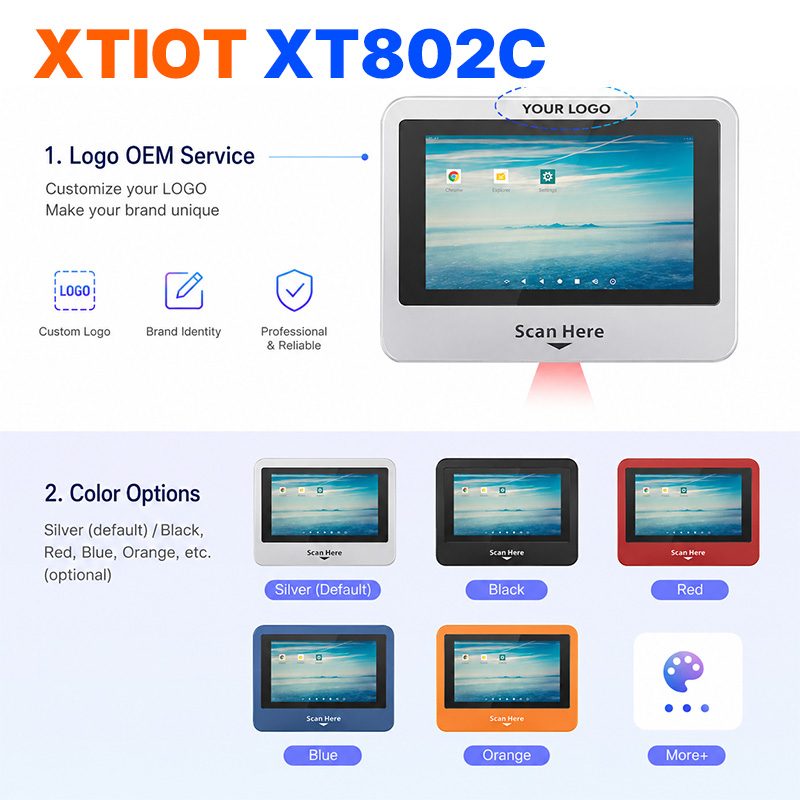
XT802C
XT802C is a 5 inch Android 11 industrial panel PC with 720×1280 portrait display, housing 148×110×40mm, weight 500g.
See specs and selection →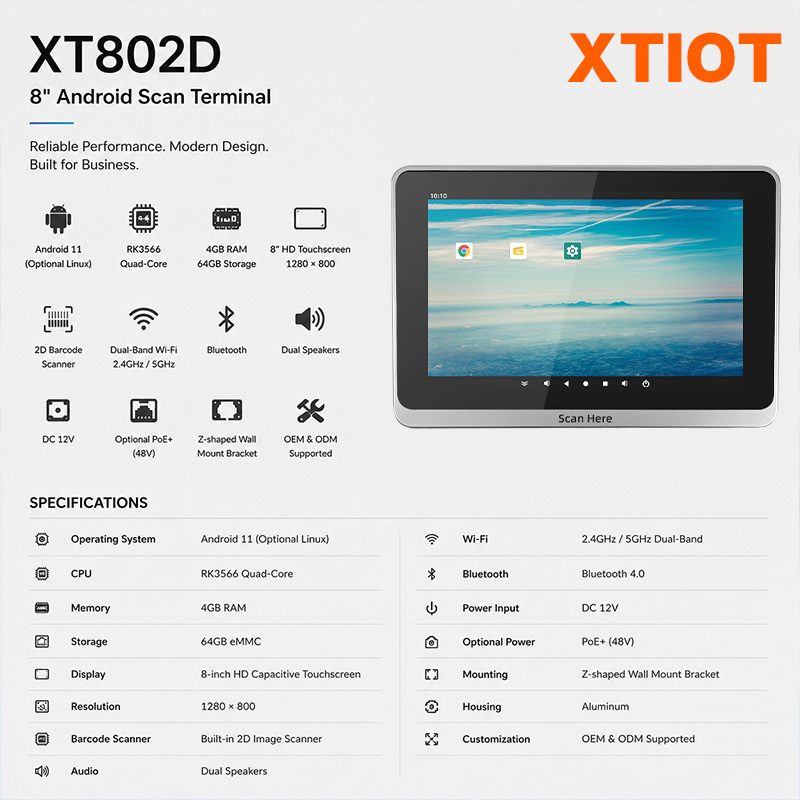
XT802D
XT802D is an 8 inch Android 11 industrial panel PC with 800×1280 portrait display, housing 212×143×37mm, weight 732g.
See specs and selection →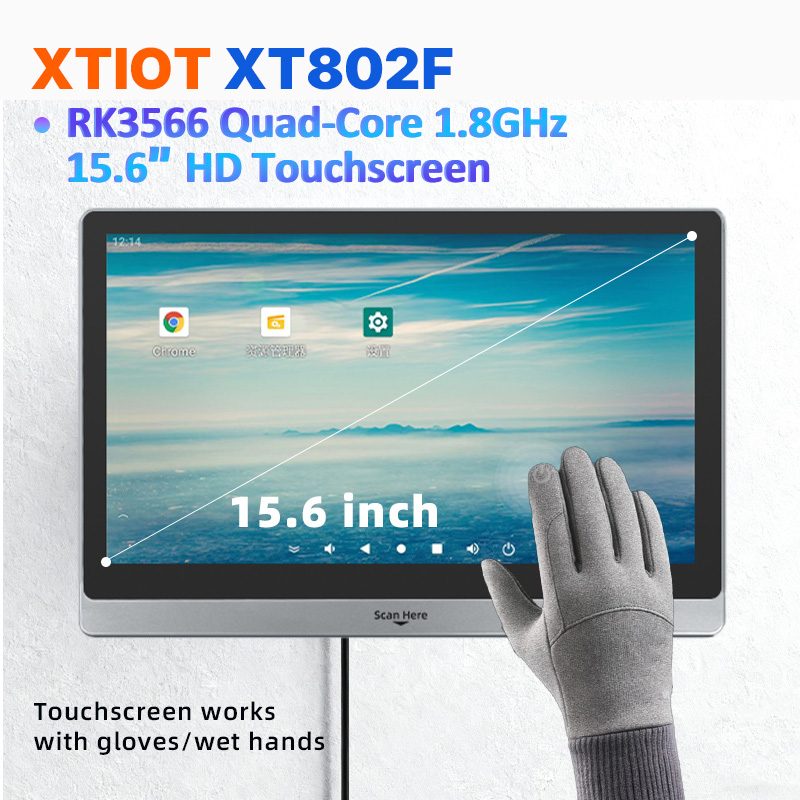
XT802F
XT802F is a 15.6 inch Android 11 industrial panel PC with 1366×768 landscape display, housing 382×261×35mm, weight 2.38kg.
See specs and selection →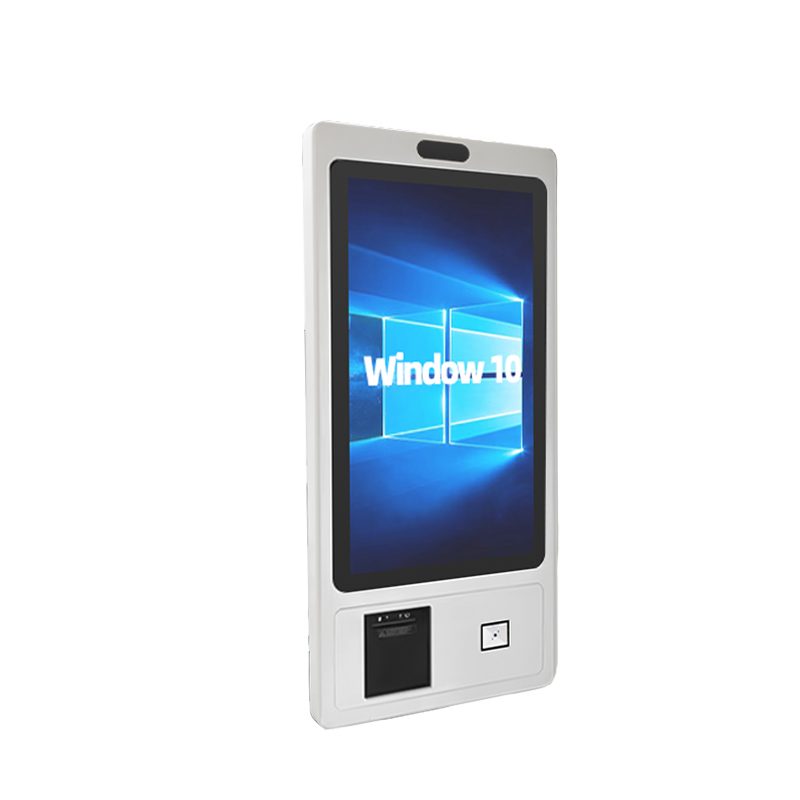
XTCM320
XTCM320 is a 32 inch Windows portrait all-in-one with 1080×1920, i5-3320M and 4G + 128G SSD,
See specs and selection →Describe your workstation and we will provide a configuration you can install directly
Describe the process, cycle time, scanning distance and software environment (MES / ERP / in-house), and we will provide a model, bracket and port proposal within 24 hours.