Scan results have to get out: IO, serial, Ethernet
Reading the code at the workstation is just the starting point; the result has to drive what happens next: light, reject, release, upload. The XT802 series offers USB, RS232 and RJ45 outputs, so with a line PLC or sorter the “operator watches the screen” becomes “the equipment acts”.
Where the Problems Are
- Scan on trigger: the photoelectric switch sends the signal, the engine exposes and reads, and the result goes out in a fixed format
- Two result paths: one IO or one message each for OK and NG, which the PLC uses to drive the cylinder
- No exception passes: on NG the screen shows a red frame, the stack light turns on and the line pauses, three signals at once
- Records on file: code-reading logs and exception images stored locally or uploaded, so the state can be reconstructed later
How to Implement
- Start with the trigger: through-beam sensor, proximity switch or manual button, and whether the signal goes to the terminal or straight to the scan engine
- Choose the output protocol: IO dry contact is the most universal; serial suits older PLCs; TCP over Ethernet suits host systems
- During integration, simulate the trigger with a signal generator to confirm delay and filter settings before connecting to the live line
- Keep a manual bypass: a manual release button outside the automatic flow so the line does not stall during commissioning
Configuration Comparison
| Interlocking method | Suitable for | Notes |
|---|---|---|
| IO dry contact | Sorting cylinders, stack lights, simple PLCs | One channel each for OK and NG; simple wiring and good noise immunity |
| RS232 / RS485 | Legacy PLCs, weighing indicators, printers | RJ11 to DB9, watch baud rate and flow control |
| TCP / Modbus TCP | Host systems, MES, SCADA | Direct Ethernet connection; message format agreed per project |
| USB HID | Enters as keyboard input into the workstation software | Low retrofit cost, suits existing software that should not be recoded |
Workstation Photos


FAQ
Does the workstation terminal have IO ports?
The XT802 series ships with USB, RS232 and Ethernet, with no dedicated IO terminals. For dry-contact output, connect an IO module (relay board) over USB or serial and control it from the application; on projects we supply it together with a wiring diagram.
What is the trigger-to-output delay?
It depends on exposure settings, application processing and the communication path. Typically the engine returns the result immediately after decoding and the full chain is in the tens of milliseconds; on fast lines, trigger earlier, shorten exposure and have the PLC confirm with a handshake.
Can it drive a cylinder directly?
The terminal does not drive cylinders directly; that needs a relay or PLC. We provide code reading, decision and output signal; the line electrician owns the actuator, and both sides align timing during integration.
Which stack light should I use?
The usual choice is a three-colour light (red, yellow, green); USB and IO versions are both available off the shelf. Mount it on the side of the bracket so the operator sees status without looking up.
Models Commonly Used in This Scenario
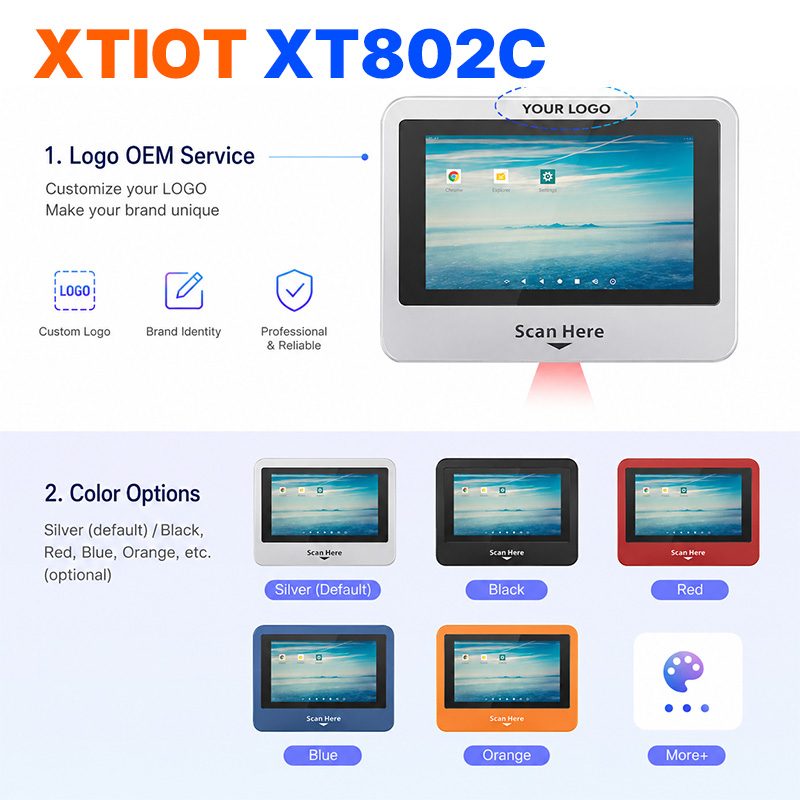
XT802C
XT802C is a 5 inch Android 11 industrial panel PC with 720×1280 portrait display, housing 148×110×40mm, weight 500g.
See specs and selection →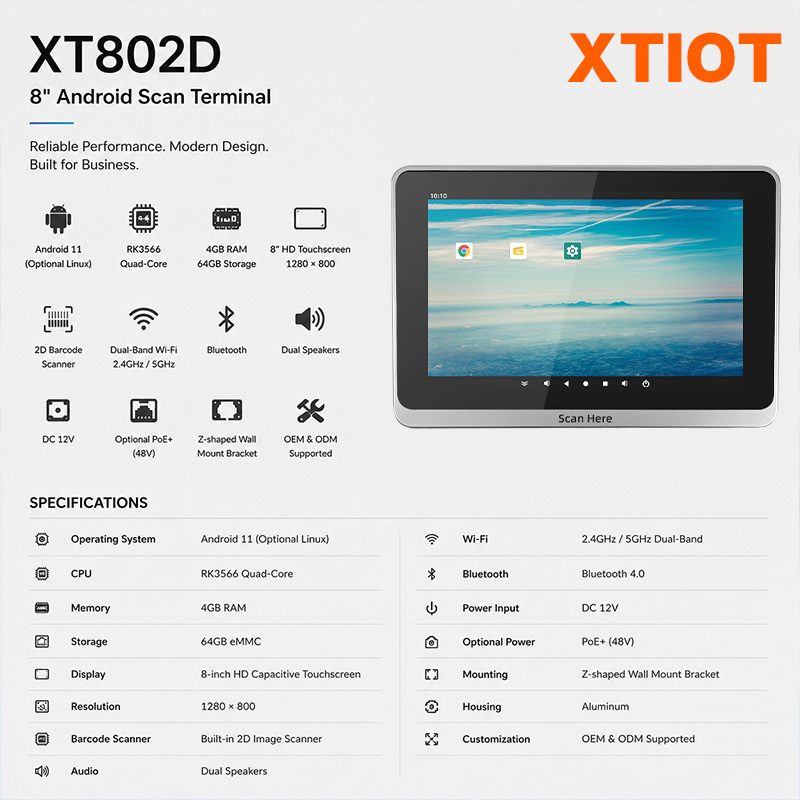
XT802D
XT802D is an 8 inch Android 11 industrial panel PC with 800×1280 portrait display, housing 212×143×37mm, weight 732g.
See specs and selection →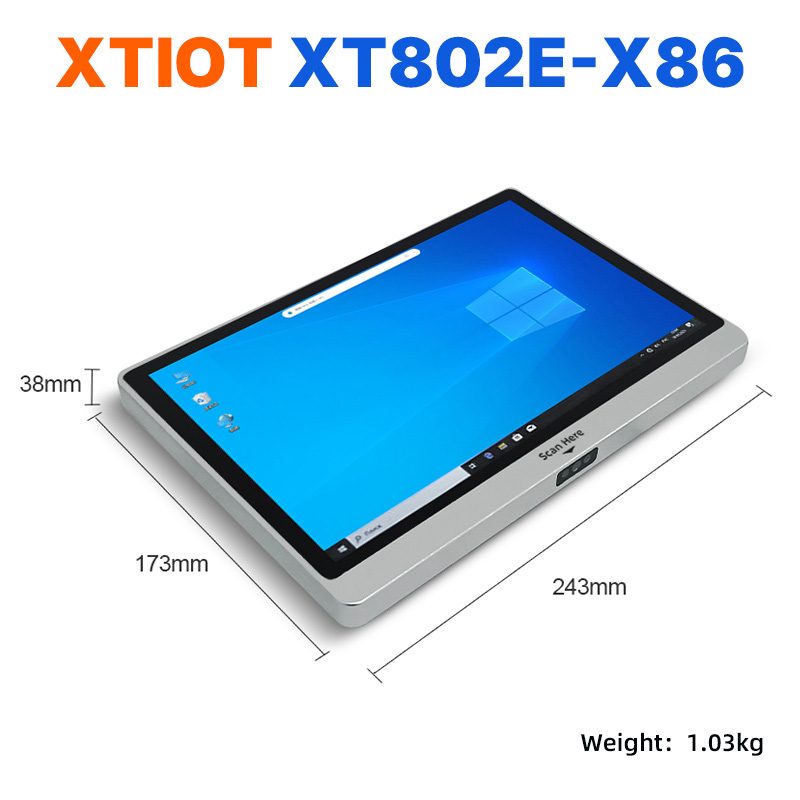
XT802E-X86
XT802E-X86 is a 10.1 inch Windows 10 industrial panel PC with Intel J1900 quad-core 2.0GHz and 4G + 64G,
See specs and selection →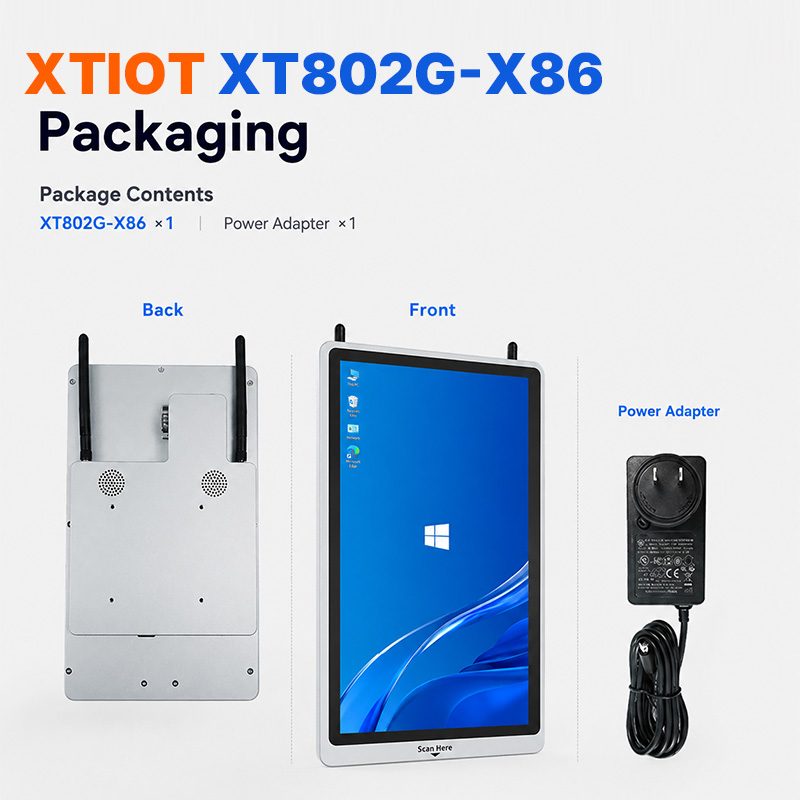
XT802G-X86
XT802G-X86 is an 11.6 inch Windows 10 industrial panel PC with Intel J4125 quad-core and 8G + 128G,
See specs and selection →Describe your workstation and we will provide a configuration you can install directly
Describe the process, cycle time, scanning distance and software environment (MES / ERP / in-house), and we will provide a model, bracket and port proposal within 24 hours.