
Receiving desk and line-side store: scan standing, enter records seated
Warehouse work happens in two postures: standing at the receiving desk scanning cartons, and sitting at the line-side store checking documents. One device has to suit scan height, keyboard entry and screen angle, which is why warehouses end up with ad-hoc combinations of tablet, scanner, keyboard and power strip.
Where the Problems Are
- Cluttered receiving desk: tablet, scanner, keyboard and power strip spread out, with cables easily knocked loose
- Locations from memory: experienced staff know where stock sits, newcomers search, and wrong issues start here
- Batches mixed: different batches of the same part stored together, so FIFO is not followed
- Paper stock counts: count once, transcribe once, enter into the system once more, and reconcile differences for two days
How to Implement
- Two workstations to consider: the receiving desk (standing, carton scanning) and the line-side store (seated, document entry)
- Receiving desk mounting: Z bracket on the bench or pole on the rack, screen slightly above the lower sight line
- Keyboard at the line-side store: 15.6 inch and above, USB keyboard and mouse direct, no docking station
- Plan the network: wired wherever possible, PoE or industrial WiFi where racks have no port, to avoid frequent dropouts
Configuration Comparison
| Where it is used | Common Models | Key Configuration |
|---|---|---|
| Receiving desk (standing, carton scan) | XT802C 5 inch | Pole clamp + built-in engine + DC 12V |
| Line-side store (seated entry) | XT802F 15.6 inch | Z bracket, USB keyboard and mouse, Ethernet |
| Separate internal and external networks (WMS and office) | XT802G-X86 11.6 inch | Dual Ethernet, 8G+128G |
| Board at the store entrance | XTCM215 21.5 inch | Portrait display of incoming, outgoing and exceptions |
| No network port at the rack | XT802C POE Version | PoE 48V, one cable to the rack |
Workstation Photos


FAQ
The warehouse is dusty. Can the terminal cope?
The XT802 series has a flush front panel and a fanless design, which suits normal dust levels. In very dusty stores (cement, feed) fit a dust cover, position the unit away from falling dust, and wipe the front panel and scan window regularly.
Can it use a wireless network?
Yes, but steel racking affects WiFi, so survey the site before choosing. Prefer wired or PoE, and use an industrial AP where cabling is not possible.
Do we need a hand scanner?
For carton codes at the receiving desk, a built-in engine fixed to the bracket is enough. Add a hand scanner for high or deep storage; it plugs into the terminal over USB and needs no separate PC.
Can it run the customer's WMS client directly?
Windows models run standard WMS clients and print drivers; Android models suit a web-based WMS or a custom app. Send us the client and browser versions before selection and we will check compatibility.
Models Commonly Used in This Scenario
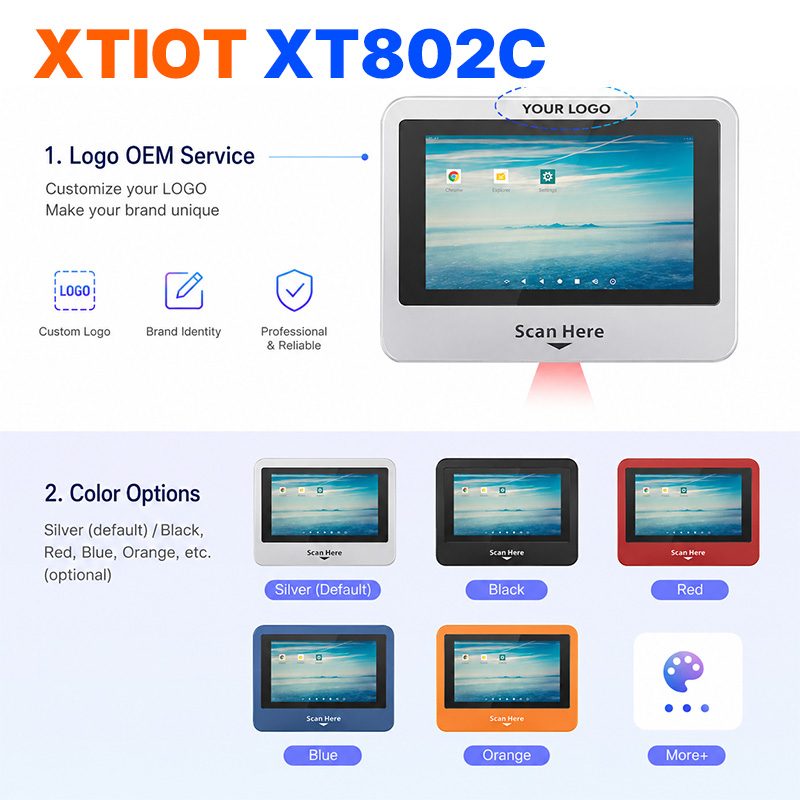
XT802C
XT802C is a 5 inch Android 11 industrial panel PC with 720×1280 portrait display, housing 148×110×40mm, weight 500g.
See specs and selection →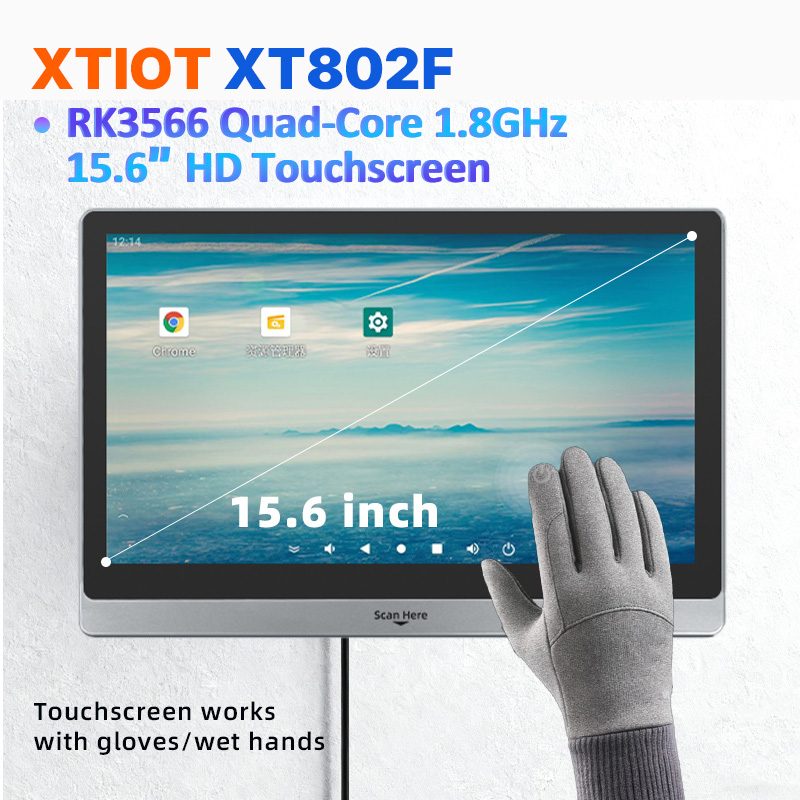
XT802F
XT802F is a 15.6 inch Android 11 industrial panel PC with 1366×768 landscape display, housing 382×261×35mm, weight 2.38kg.
See specs and selection →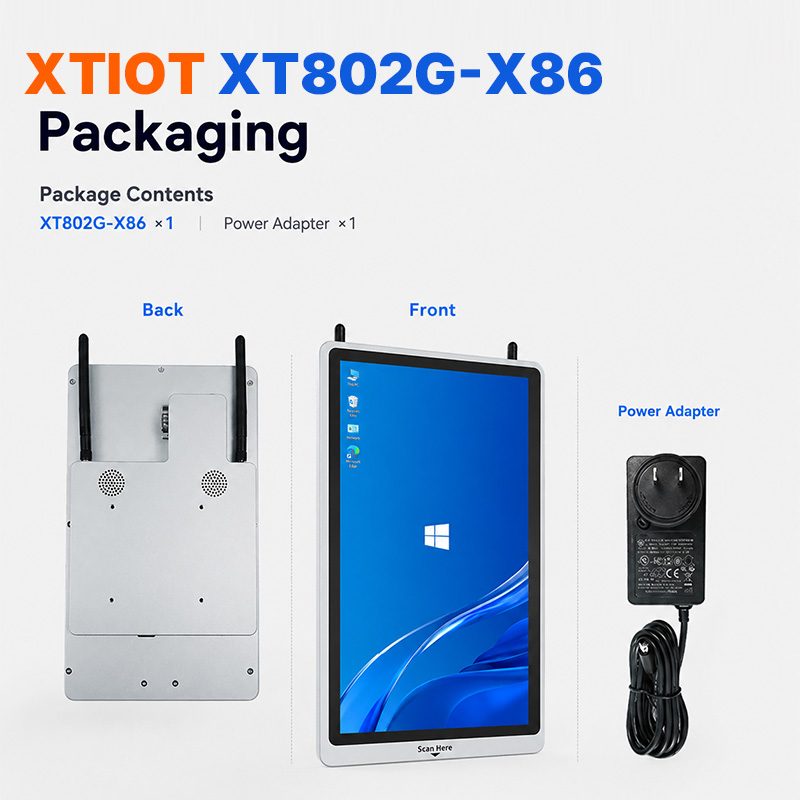
XT802G-X86
XT802G-X86 is an 11.6 inch Windows 10 industrial panel PC with Intel J4125 quad-core and 8G + 128G,
See specs and selection →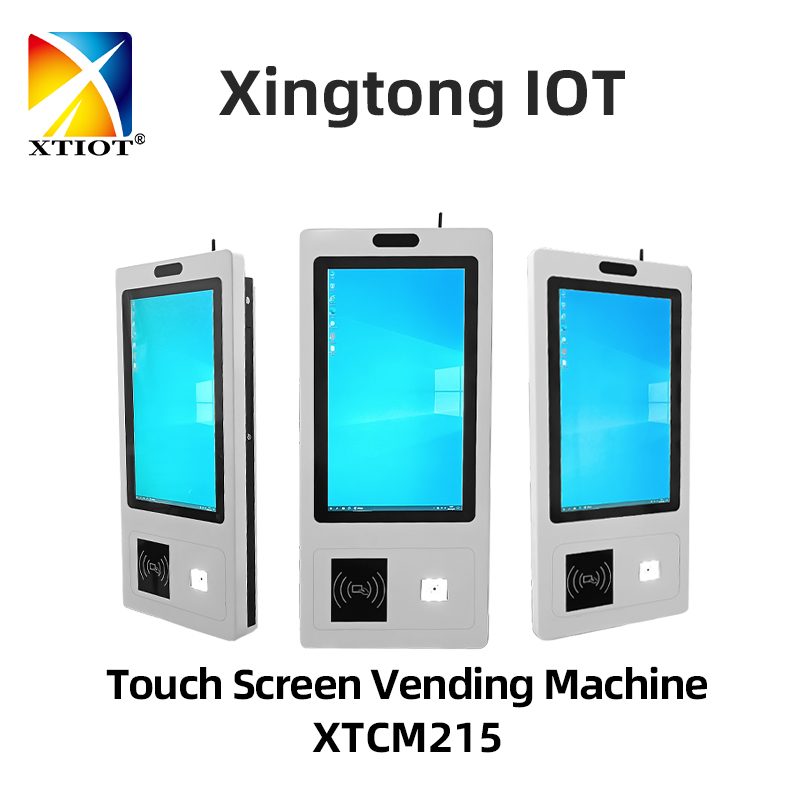
XTCM215
XTCM215 is a 21.5 inch Windows portrait all-in-one with 1080×1920, 10-point touch and J1900 quad-core + 4G + 64G SSD,
See specs and selection →Describe your workstation and we will provide a configuration you can install directly
Describe the process, cycle time, scanning distance and software environment (MES / ERP / in-house), and we will provide a model, bracket and port proposal within 24 hours.