
A board should be readable at a glance, not require a walk over to tap
A board and a workstation screen are two different things: the workstation screen is read up close by the operator, the board is read several metres away by the team leader and line walkers. Size, brightness, refresh method and exception display all differ, and mixing them produces “text too small” and “cannot see it from the line head”.
Where the Problems Are
- Sizing too small: a 5 inch screen used as a line board shows colour blocks rather than text from three metres away
- Stale data: the board depends on a manual daily export, so it still shows yesterday's output
- Exceptions by shouting: a machine alarm waits for someone to walk past, and downtime grows
- No status record: how long the line stopped for faults, changeovers or waiting for material cannot be explained afterwards
How to Implement
- Start with viewing distance: 15.6 inch within 3 m, 21.5 inch at about 5 m, 32 inch beyond 8 m
- Set the content hierarchy: large text for output and cycle time, medium for exceptions and WIP, small for detail
- Choose the refresh method: poll the API on a timer or use WebSocket, avoiding full-page refresh flicker
- Feed every exception source into one place — machine alarms, andon buttons, scan NG — graded red, yellow and green on screen
Configuration Comparison
| Board type | Common Models | Mounting and display |
|---|---|---|
| Line-side workstation board (within 3 m) | XT802F 15.6 inch | Wall mount or swing arm, landscape |
| Main shop-floor board (around 5 m) | XTCM215 21.5 inch | Portrait or landscape wall mount, DC 12V |
| Entrance and aisle boards (over 8 m) | XTCM320 32 inch | Floor stand with optional built-in printer |
| Status screen beside the machine | XT802E 10.1 inch | Embedded mount in the machine panel |
| Multiple displays mirrored (line and office) | XT802F-X86 15.6 inch | VGA/HDMI output (per project) |
Workstation Photos


FAQ
Do we have to develop the board content ourselves?
A board page is essentially a web page, so any existing MES or reporting system that outputs web pages works as is. If there is no page yet, we can provide a static template and interface examples for the customer's IT team or integrator to fill with data.
Is the screen readable under bright shop-floor light?
Standard models suit indoor areas and shops with shading. Near windows or semi-outdoor positions, add a sunshade or use high-brightness mode. For direct sunlight, a standard LCD is not recommended; assess a high-brightness option per project.
Can it connect to an andon system?
Yes. Andon buttons and three-colour lights connect through an IO module or PLC, and the terminal switches the board status on signal and logs start and end times; wiring is confirmed with the line electrician during integration.
Does the board keep displaying when the network drops?
The local page and the last data set can be cached, so the board keeps displaying and shows an offline notice in a corner; it resumes automatically, so on-site decisions are not interrupted.
Models Commonly Used in This Scenario
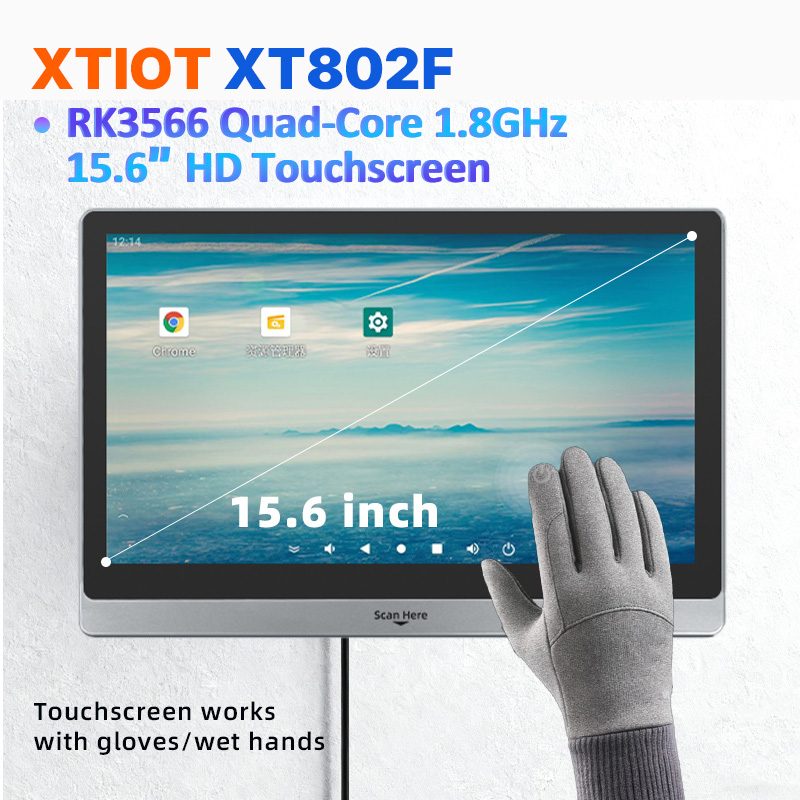
XT802F
XT802F is a 15.6 inch Android 11 industrial panel PC with 1366×768 landscape display, housing 382×261×35mm, weight 2.38kg.
See specs and selection →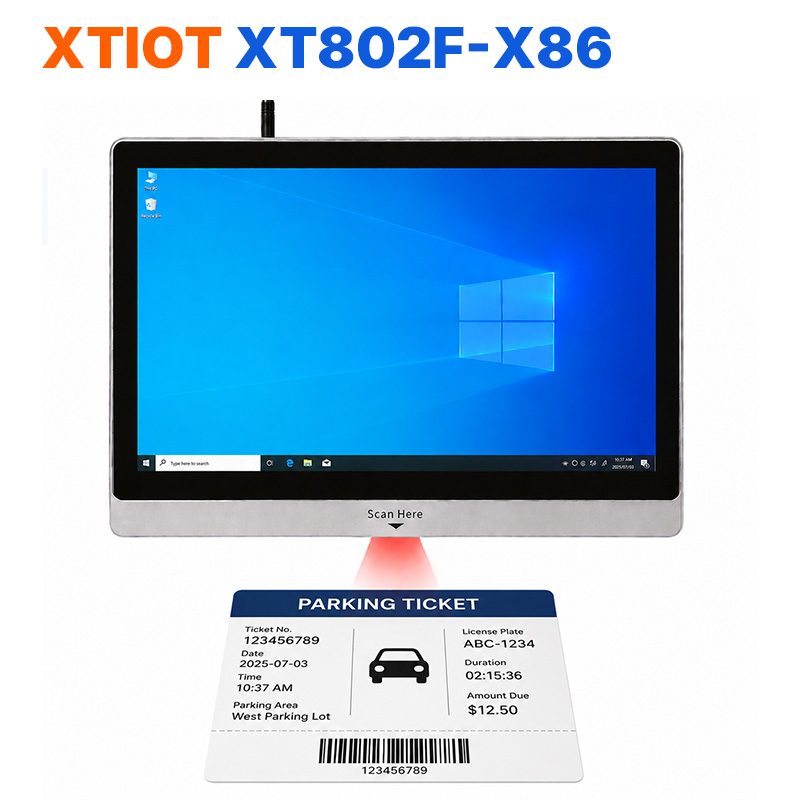
XT802F-X86
XT802F-X86 is a 15.6 inch Windows 10 industrial panel PC with 1366×768, Intel J1900 and 4G + 64G.
See specs and selection →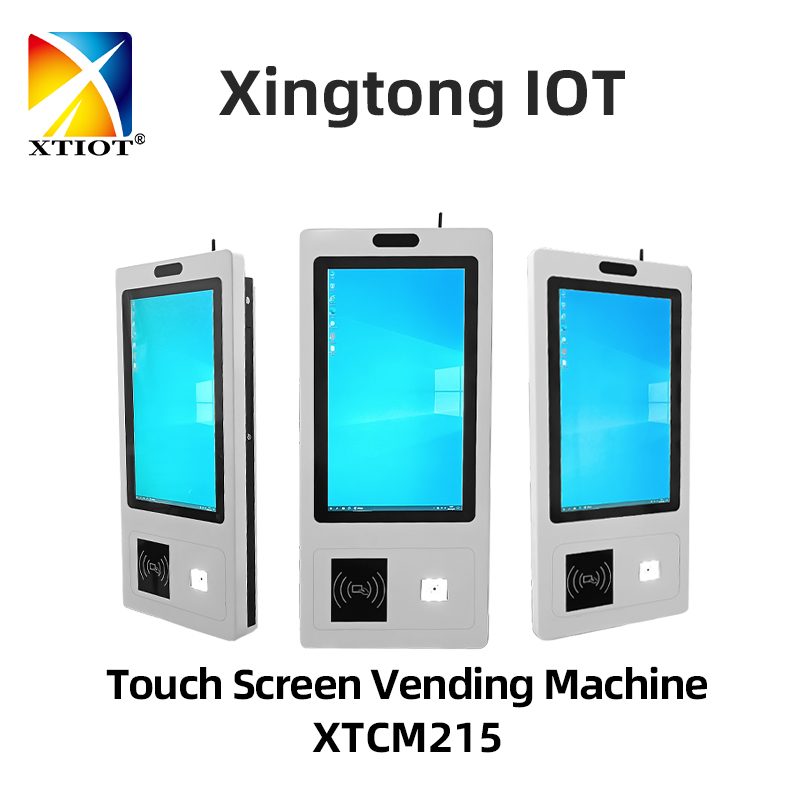
XTCM215
XTCM215 is a 21.5 inch Windows portrait all-in-one with 1080×1920, 10-point touch and J1900 quad-core + 4G + 64G SSD,
See specs and selection →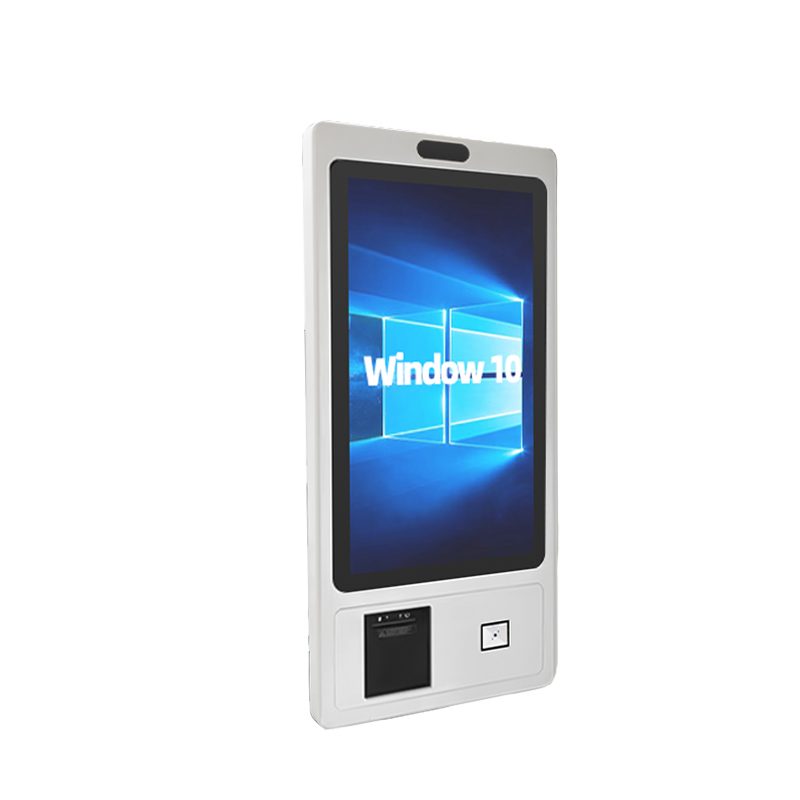
XTCM320
XTCM320 is a 32 inch Windows portrait all-in-one with 1080×1920, i5-3320M and 4G + 128G SSD,
See specs and selection →Describe your workstation and we will provide a configuration you can install directly
Describe the process, cycle time, scanning distance and software environment (MES / ERP / in-house), and we will provide a model, bracket and port proposal within 24 hours.