
At packing: let the device judge whether the count is right
The packing workstation is the most data-dense station: box, carton and pallet codes are bound level by level, and quantity, specification and batch have to be right at every step. The terminal puts scan counting, link validation and label printing on one screen, so a full carton is checked as it closes and errors surface before sealing.
Where the Problems Are
- Counting by hand: whether a carton holds 12 boxes or 10 is checked manually, and busy shifts over- or under-pack
- Links added afterwards: box and carton codes entered later, and one wrong entry breaks traceability for the whole carton
- Pre-printed labels: when the specification changes the old labels are still used, and the customer receives goods that do not match
- Mixed loads go unnoticed: different specifications from the same series end up in one carton and are found when the carton is opened
How to Implement
- Define the packing levels: item, box, carton, pallet, how many levels in all and whether each needs its own code
- Define the validation rules: fixed quantity per carton, no mixing of batches or specifications, written into the application
- Choose the mount: swing arm beside the sealer, Z bracket on the packing bench, pole mount at the line end
- Connect printing: label printer over USB or Ethernet, with templates switched by work order on the terminal
Configuration Comparison
| Packing stage | Common Models | Key Configuration |
|---|---|---|
| Boxed / small parts bagged | XT802C 5 inch | Built-in engine plus count confirmation tone |
| Cartoning and box-to-carton linking | XT802D 8 inch | Built-in engine plus Ethernet upload |
| Labels printed on site | XT802F 15.6 inch | USB printing plus keyboard entry |
| Medicine / food carton lines | XT802F-X86 15.6 inch | Windows print driver plus local templates |
| One cable at the end of the line | XT802C POE Version | PoE power with Ethernet backhaul |
Workstation Photos


FAQ
How is the per-carton quantity check implemented?
Set the standard quantity per carton in the application; each box scanned adds one to the count, and at the target the screen offers “ready to seal” and generates the carton code. If the carton is short, sealing is not released; if it is over, the excess is flagged, and the operator can confirm the reason on screen to continue.
Is the carton code issued by the system or generated on site?
Both work: MES issues the carton code and the terminal binds it by scanning, or the terminal generates and prints it on site. Prefix, serial and check digit follow the customer's coding standard.
Can it interlock with a weighing scale?
Yes. The scale outputs weight over serial and the terminal compares it with the target, prompting a recheck when out of range; the weight is stored with the carton code so it can be looked up by carton later.
The packing line runs fast. Is a hand scanner enough?
A fixed built-in engine suits fast cycles better than a hand scanner: the box is read as it passes under the screen, with no aiming. On tight cycles, interlock reading with the conveyor sensor so a missed read alarms automatically instead of relying on operator reaction.
Models Commonly Used in This Scenario
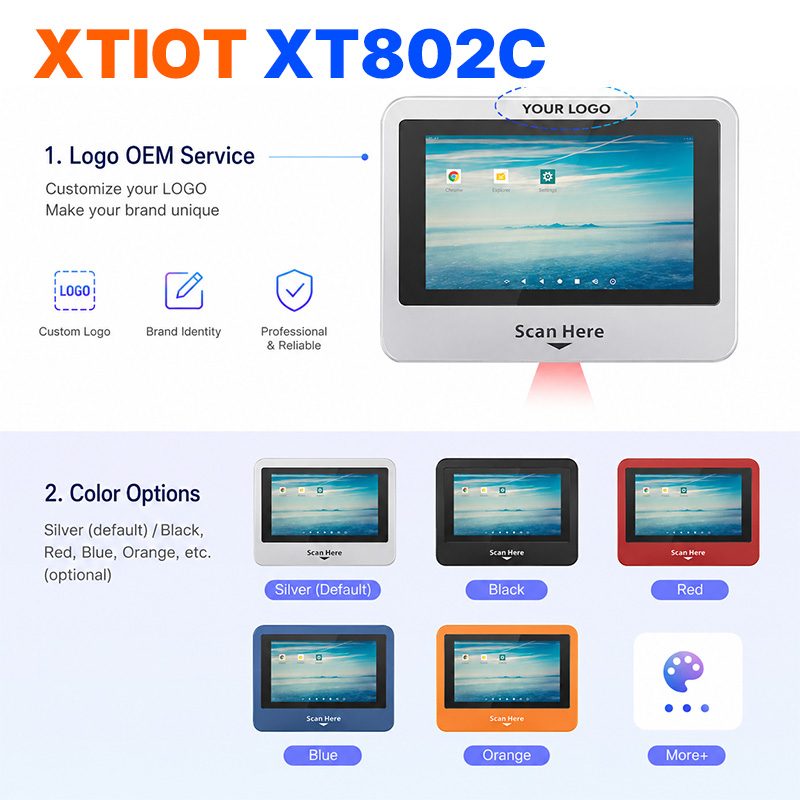
XT802C
XT802C is a 5 inch Android 11 industrial panel PC with 720×1280 portrait display, housing 148×110×40mm, weight 500g.
See specs and selection →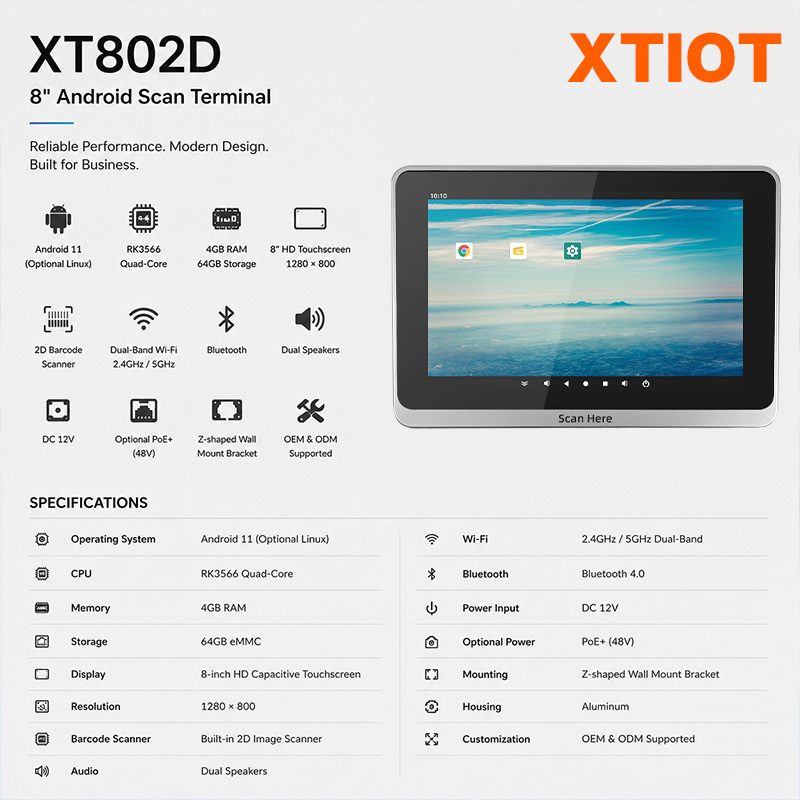
XT802D
XT802D is an 8 inch Android 11 industrial panel PC with 800×1280 portrait display, housing 212×143×37mm, weight 732g.
See specs and selection →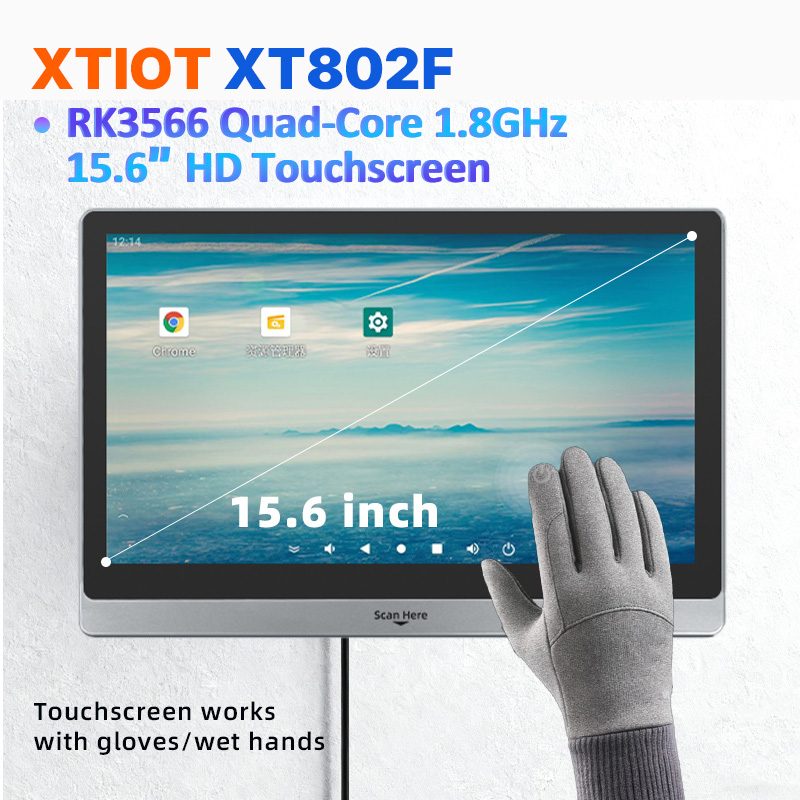
XT802F
XT802F is a 15.6 inch Android 11 industrial panel PC with 1366×768 landscape display, housing 382×261×35mm, weight 2.38kg.
See specs and selection →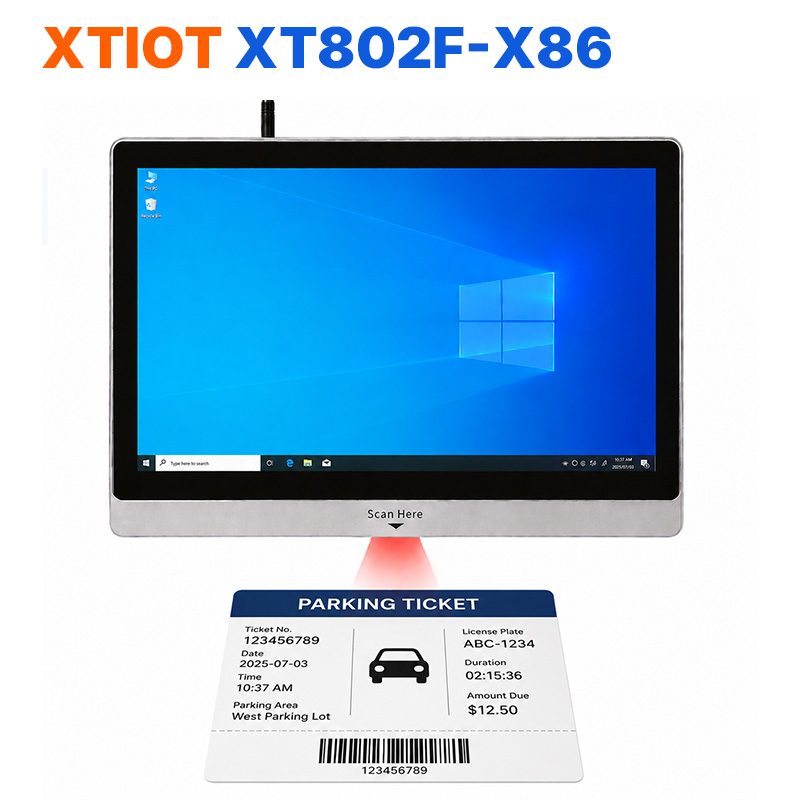
XT802F-X86
XT802F-X86 is a 15.6 inch Windows 10 industrial panel PC with 1366×768, Intel J1900 and 4G + 64G.
See specs and selection →Describe your workstation and we will provide a configuration you can install directly
Describe the process, cycle time, scanning distance and software environment (MES / ERP / in-house), and we will provide a model, bracket and port proposal within 24 hours.