
MES terminal: scan once to report, no line changes
When MES reaches the shop floor, the bottleneck is usually not the software but the lack of a suitable screen and scanning point at the workstation. Operators queue at a PC at the line head to enter records, so data is a shift behind. Fit the XT802 series at the workstation and a scan completes the report; the workstation structure is unchanged and MES simply sees more terminals.
Where the Problems Are
- Reporting happens at the workstation, not in the office: scan the work order code, the screen shows operation and quantity, press confirm, three seconds
- Error-proofing enforced by the interface: wrong part number, skipped operation or quantity out of tolerance shows a red frame on screen, without relying on memory
- Data goes into MES in real time over Ethernet or WiFi; when the network drops it is cached locally and uploaded on recovery
- One unit replaces three: screen, scan engine and industrial mainboard in one chassis, so the workstation is not cluttered with parts
How to Implement
- Start with the interface: run the MES workstation UI on a sample unit to confirm font size, button size and whether landscape is needed
- Then the mounting: wall, swing arm, pole or panel cut-out, chosen by workstation structure, with the screen centre 40–60cm from the operator
- Then the interfaces: Ethernet to MES, USB to printer or stack light, RS232 to PLC or test instrument
- Finally, a small pilot: fit 3–5 units on one line for a full shift and confirm viewing angle, scan distance and offline upload before rolling out
Configuration Comparison
| Workstation type | Recommended model | Reason |
|---|---|---|
| Single-operation reporting | XT802C 5 inch | Small screen and footprint, showing just the work order and quantity, at controlled cost |
| Main assembly / packing workstation | XT802D 8 inch | One screen with the reporting interface plus a process drawing |
| Quality inspection / multi-parameter workstation | XT802E 10.1 inch | Table and verdict on one screen, no paging |
| Line-side board / multiple operations | XT802F 15.6 inch | Landscape side-by-side display, readable within 2 m |
| The MES client is a Windows program | XT802E-X86 / XT802F-X86 | Install the existing program directly; drivers are compatible |
| Keep production and office networks separate | XT802G-X86 with dual Ethernet ports | Two links, each on its own port |
Workstation Photos


FAQ
Our MES is web-only. Will it work?
Yes. The Android version has a built-in browser for the web client, and the Windows version runs Chrome or Edge. If the page relies on legacy controls (ActiveX, IE engine), choose a Windows model. Send us the login page and we can test it on a sample unit.
Are reports lost when the network drops?
That depends on the application layer. A common approach is a local pending queue on the terminal that uploads in time order after recovery; we provide stable network and storage on the hardware side, and the retry logic sits in the MES client. The scope document also states the outage duration and queue depth limits.
Can operators use it wearing gloves?
A capacitive screen usually recognises thin gloves (nitrile, thin cotton) but not thick work gloves. Shops often move the confirm action to a workstation code scan or foot switch and use the screen for display, so gloves touch it less.
Can one device scan work order and material codes at the same time?
Yes. The built-in engine scans continuously and the application separates work order and material codes by symbology or prefix. You can also add a hand scanner for material codes alone; the two input channels do not interfere.
Models Commonly Used in This Scenario
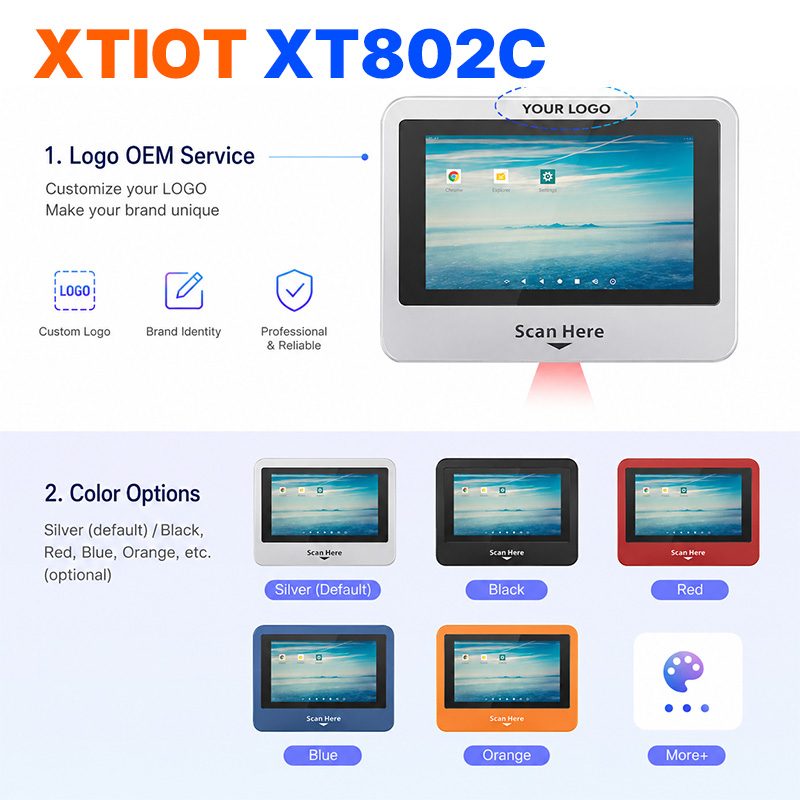
XT802C
XT802C is a 5 inch Android 11 industrial panel PC with 720×1280 portrait display, housing 148×110×40mm, weight 500g.
See specs and selection →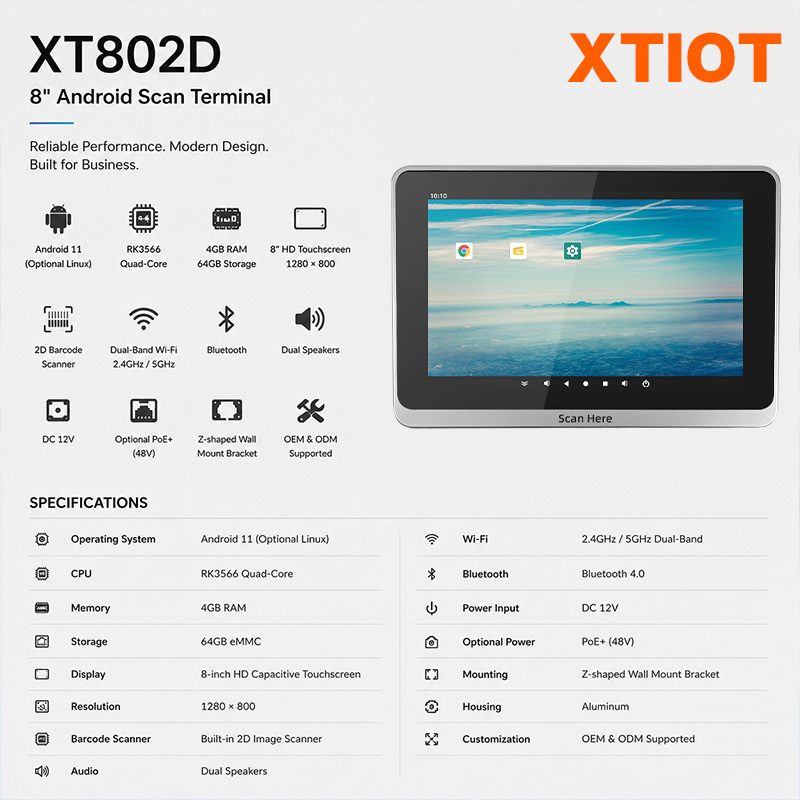
XT802D
XT802D is an 8 inch Android 11 industrial panel PC with 800×1280 portrait display, housing 212×143×37mm, weight 732g.
See specs and selection →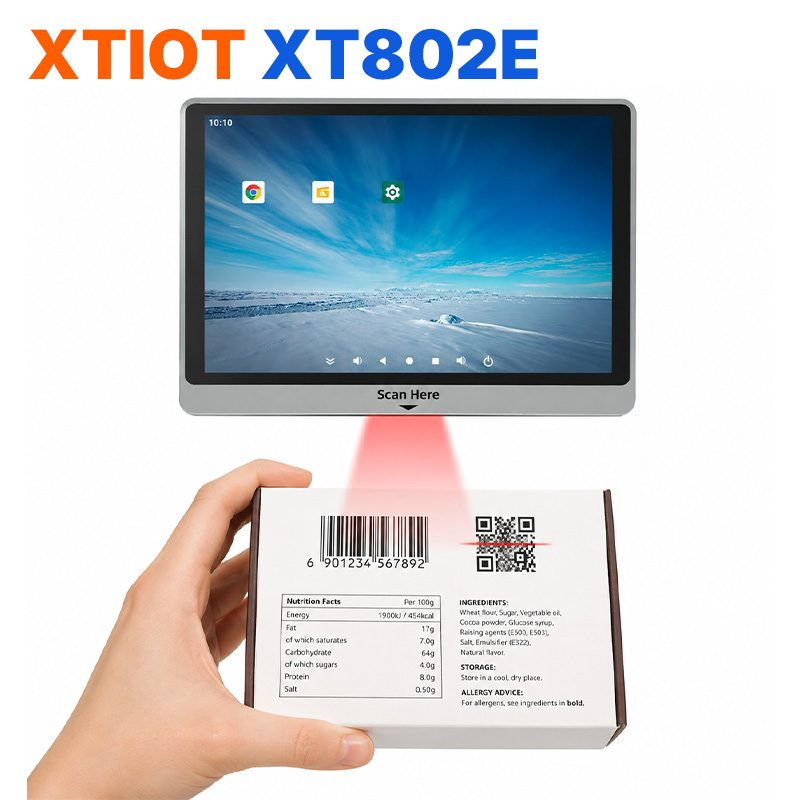
XT802E
XT802E is a 10.1 inch Android 11 industrial panel PC with 800×1280 resolution, housing 242×173×35mm, weight 878g,
See specs and selection →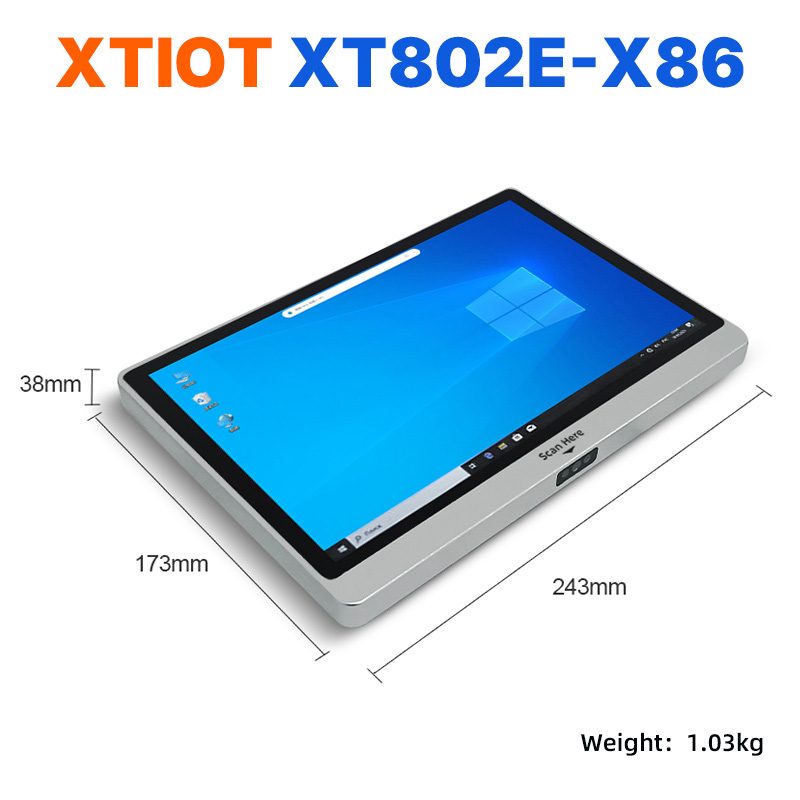
XT802E-X86
XT802E-X86 is a 10.1 inch Windows 10 industrial panel PC with Intel J1900 quad-core 2.0GHz and 4G + 64G,
See specs and selection →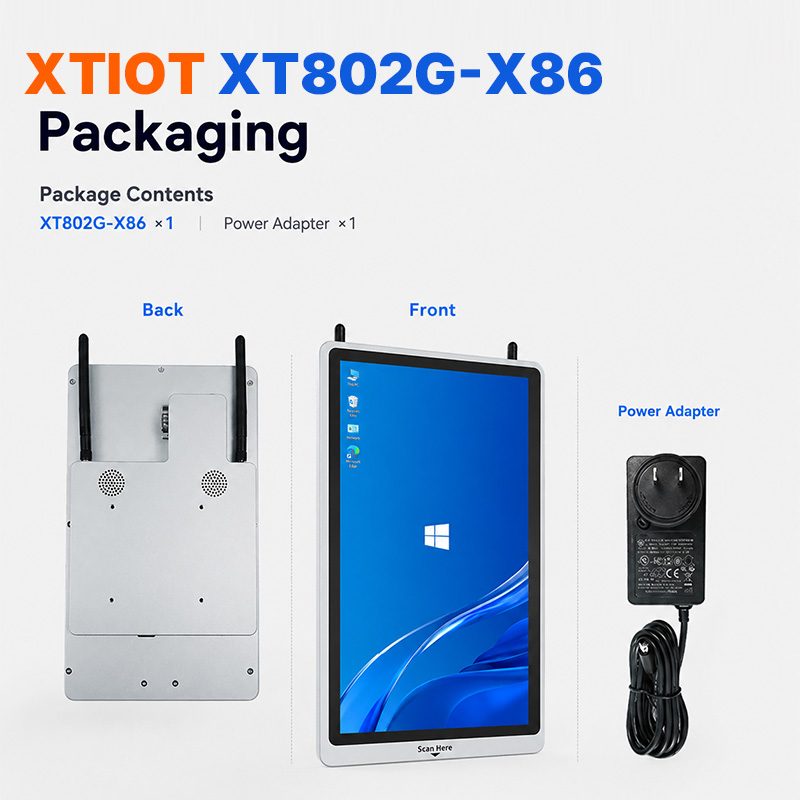
XT802G-X86
XT802G-X86 is an 11.6 inch Windows 10 industrial panel PC with Intel J4125 quad-core and 8G + 128G,
See specs and selection →Describe your workstation and we will provide a configuration you can install directly
Describe the process, cycle time, scanning distance and software environment (MES / ERP / in-house), and we will provide a model, bracket and port proposal within 24 hours.