
Mounting decides usability: four options compared
The same unit mounted too high makes the operator look up, too low makes them bend, and an undersized arm wobbles. Mounting is not an accessory question; it is part of workstation design. The four common options below set out suitable models, dimensions and cable routing.
Four mounting options
| Mounting | Applicable Models | Key points |
|---|---|---|
| Z bracket (standard) | XT802C / D / E / E-X86 | Four mounting holes for wall mount, 30–40mm pole clamp or shelf side panel; screen face sits about 60–90mm from the wall |
| VESA01 (standard or optional) | XT802F / F-X86 / G-X86 | Standard hole pattern for wall bracket, floor stand or swing arm; match arm load rating to unit weight |
| Panel cut-out | XT802E / E-X86 (35mm thick) | Cut a 242×173mm opening with 5mm clearance all round and 20mm behind the back plate for airflow |
| Floor stand | XTCM215 (XT215-Bracket) | Floor standing with a weighted base; add bollards beside walkways |
Viewing angle: three numbers set the position
- Screen centre height: 1.2–1.4m for standing work; 25–35cm above the bench for seated work; 1.5–1.6m for boards.
- Viewing distance: Screen diagonal × 2.5 (cm) gives a comfortable distance: about 30cm at 5 inch, 55cm at 10.1 inch, 80cm at 15.6 inch.
- Tilt: Tilt the screen face down 10–15° to cut glare from ceiling lights; do not exceed 20°, or the hand has to lift to touch.
Cabling and power
- Power supply: With a socket, use DC 12V; with just a network cable, use the PoE version (48V) and a switch that supports it or an injector.
- Then cable exit direction: With the Z bracket, cables exit below the back plate and run down the pole to the trunking; inside a swing arm leave 10cm of slack against pulling.
- Secure the harness: Fix with cable ties or clips every 30cm to avoid abrasion from constant movement; route network and power cables separately to reduce interference.
- Leave service access: Leave 5cm between bracket and wall for plugging cables and cleaning dust.


FAQ
What pole diameter does the clamp take?
The clamp supplied with the Z bracket fits common 30–40mm line poles; thicker poles or square tube need a different clamp, which can be made to order from the pole section dimensions.
Will a swing arm wobble?
It depends on arm length and unit weight. The 15.6 inch unit weighs 2.38kg; an arm rated over 5kg with a reach within 400mm is generally stable. For 21.5 inch and above, use a floor stand or wall mount.
Does embedded mounting affect cooling?
Yes. The back plate is the main heat path, so leave at least 20mm of space after the cut-out and do not cover the back with insulation or enclose it in a sealed cabinet. In a cabinet, add a fan or louvred vents.
The wall is insulated sandwich panel. Can I wall mount?
Sandwich panel needs a backing plate or through-fixing to the studs; self-tapping screws into thin sheet are not enough. For heavier units (15.6 inch and above), use a floor stand or a reinforced bracket.
Related Models
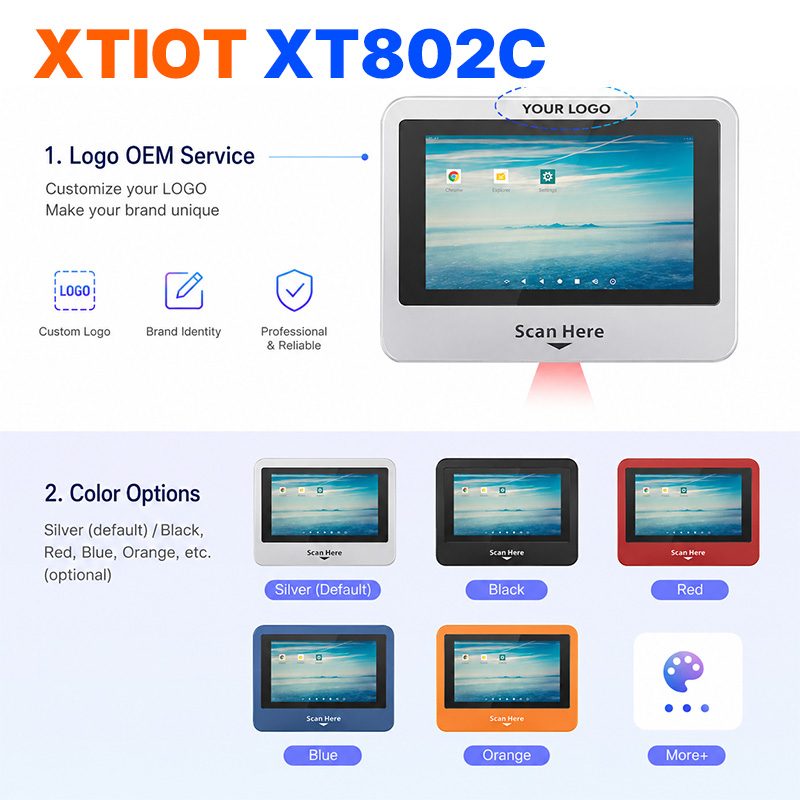
XT802C
XT802C is a 5 inch Android 11 industrial panel PC with 720×1280 portrait display, housing 148×110×40mm, weight 500g.
See specs and selection →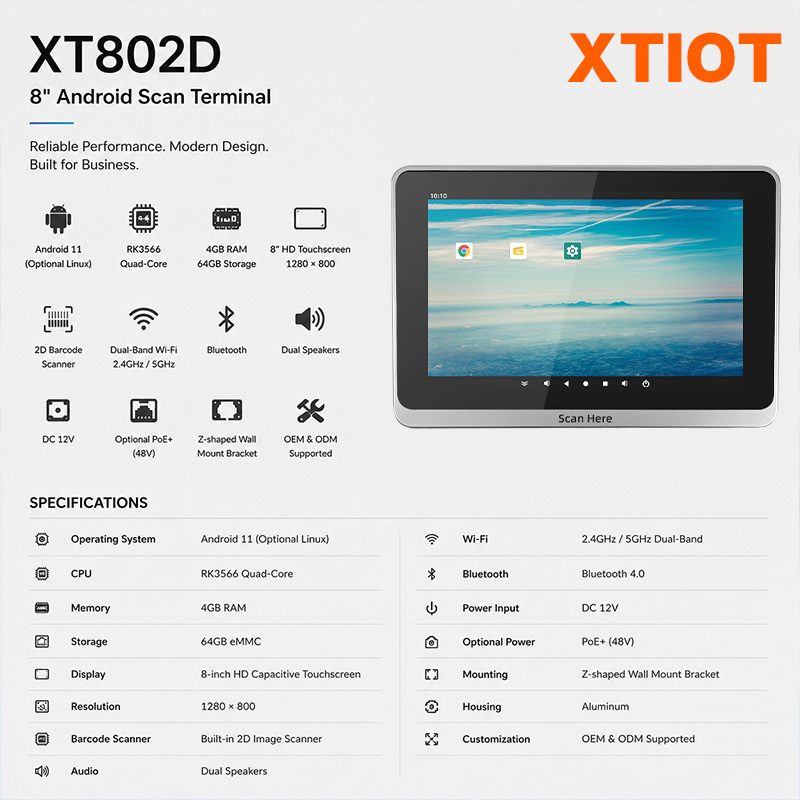
XT802D
XT802D is an 8 inch Android 11 industrial panel PC with 800×1280 portrait display, housing 212×143×37mm, weight 732g.
See specs and selection →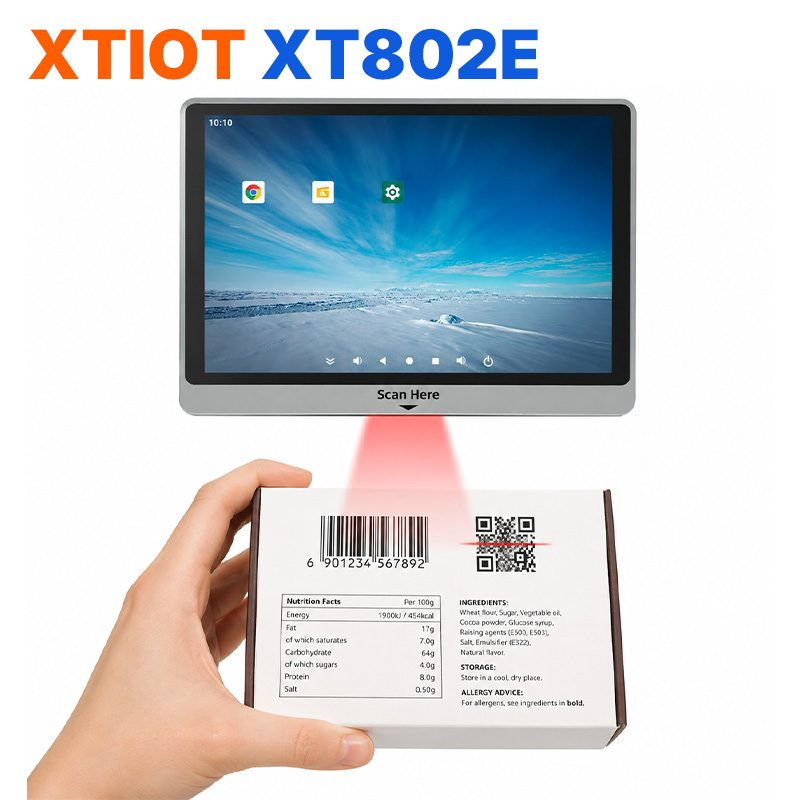
XT802E
XT802E is a 10.1 inch Android 11 industrial panel PC with 800×1280 resolution, housing 242×173×35mm, weight 878g,
See specs and selection →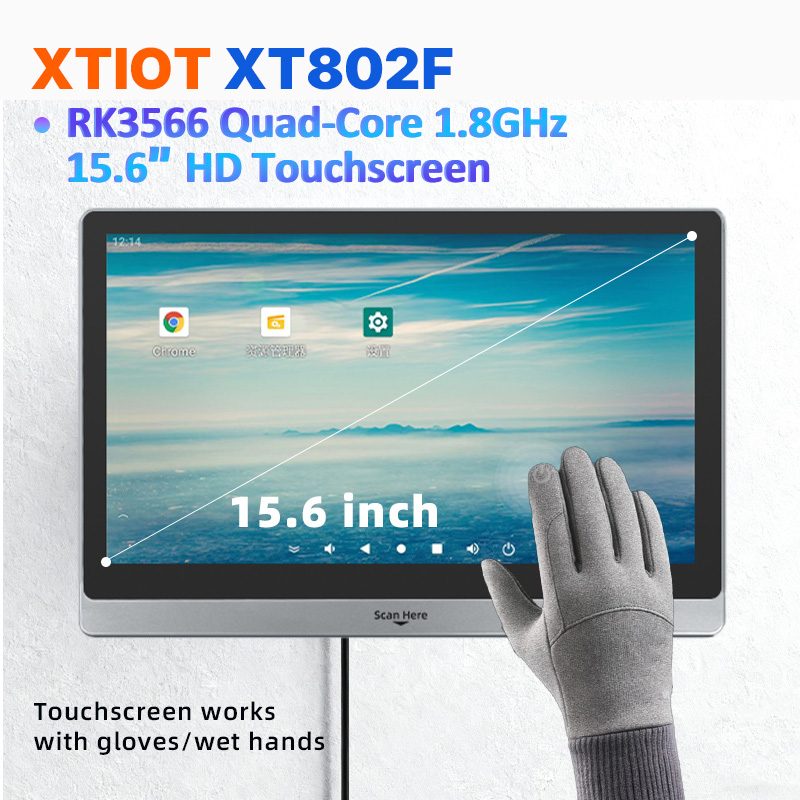
XT802F
XT802F is a 15.6 inch Android 11 industrial panel PC with 1366×768 landscape display, housing 382×261×35mm, weight 2.38kg.
See specs and selection →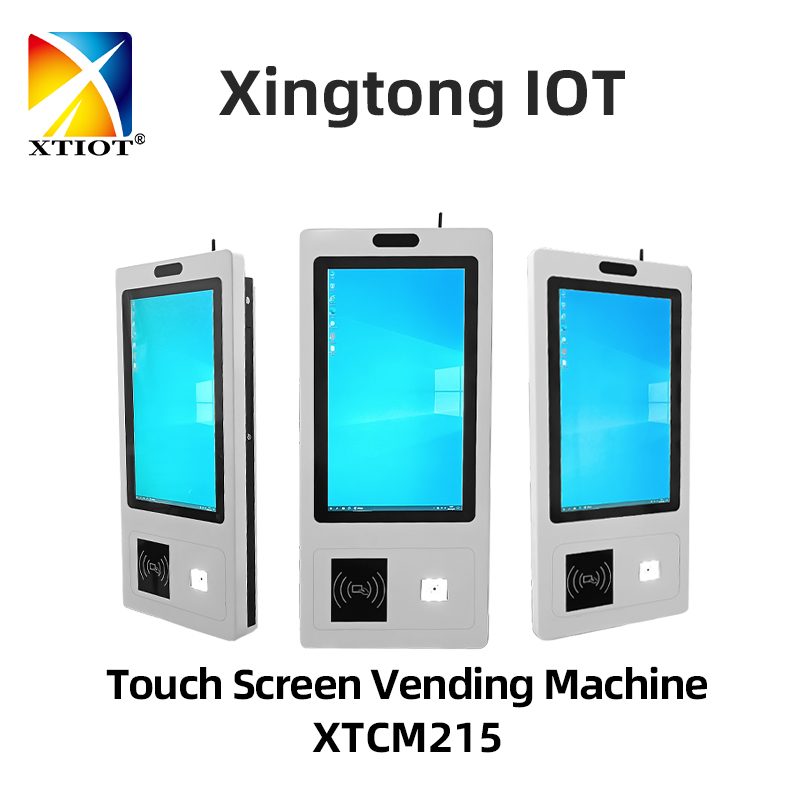
XTCM215
XTCM215 is a 21.5 inch Windows portrait all-in-one with 1080×1920, 10-point touch and J1900 quad-core + 4G + 64G SSD,
See specs and selection →Describe your workstation and we will provide a configuration you can install directly
Describe the process, cycle time, scanning distance and software environment (MES / ERP / in-house), and we will provide a model, bracket and port proposal within 24 hours.