
Port count decides whether a workstation can be commissioned in one visit
Beyond scanning, workstations often connect printers, tower lights, scales and PLCs. XT802 series ports are arranged for the workstation: Ethernet for MES, serial for legacy equipment, USB for peripherals, audio for announcements. Count the devices and power budget before connecting.
Standard interfaces
| Ports | Quantity | Common Use | Note |
|---|---|---|---|
| RJ45 Ethernet port | 1 (2 on XT802G-X86) | MES / WMS / dashboard services | Cat5e or better, up to 100m per run |
| RJ11 COM (RS232) | 1 | PLCs, weighing instruments, legacy printers | Requires an RJ11 to DB9 cable; confirm baud rate and flow control |
| USB 3.0 | 1 (2 on some X86 models) | USB drives, scanner guns, industrial cameras | Power output is limited; use a powered Hub for high-draw peripherals |
| USB 2.0 | 3 | Printers, keyboards and mice, tower lights | Watch total current when several devices plug in at once |
| Audio | 1 | Powered speakers, headphones | XTCM215 with built-in dual 5W speakers |
| VGA / HDMI | X86 models | Secondary screens, projectors | Extended mode, not mirrored |
How to Connect Four Common Peripherals
Label printer
USB direct; on Windows install the driver, on Android use the vendor SDK or ESC/POS commands; an 80mm thermal printer is best on its own power, not drawn from the screen's USB.
Tower light
USB or IO tower lights; USB lights are controlled by the application, IO lights need a relay module. Mount on the side of the bracket so the operator sees it without looking up.
PLC
RS232 direct or Modbus TCP over Ethernet; confirm the PLC-side protocol and station number first, and capture one frame with a serial tool during commissioning to confirm the format.
Scale / weighing indicator
RS232 continuous output or weighing commands; submit weight and code value together, and make sure units and decimal places match the host system.
How to Budget Power
The panel PC runs on a DC 12V adapter or 48V PoE. Give peripherals their own power where possible: printer, stack light and scale each use their own adapter, and the screen carries just the signal. If power must come from the screen, compare the adapter's rated current with total draw and keep at least 30% headroom; do not run at full load for long periods.
FAQ
Is the RJ11 COM port RS232 or RS485?
RS232 is standard; add a converter for RS485 or specify it per project. Confirm pin definitions with a multimeter before wiring, and do not wire it like an RJ45 patch cord.
Can two scanners be connected at the same time?
Yes. The external USB scanner and the built-in engine are two independent inputs that the app can tell apart by device ID; two external scanners at once need app-level separation, but the hardware does not conflict.
What happens when USB power runs short?
Symptoms are peripherals dropping in and out, USB drives not detected and irregular printer feeding. Fix it by powering peripherals separately or using a powered hub, not a passive splitter.
Can the Ethernet port connect directly to a PC?
Yes. Use a crossover or auto-sensing cable and set static IPs in the same subnet; during commissioning this is a common way to validate the protocol before adding a switch.
Related Models
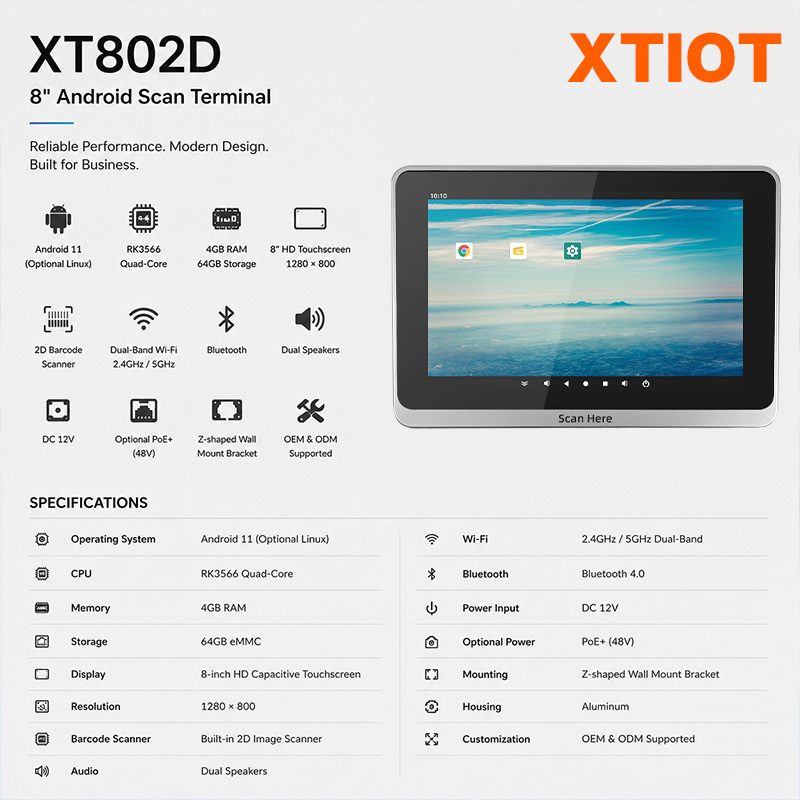
XT802D
XT802D is an 8 inch Android 11 industrial panel PC with 800×1280 portrait display, housing 212×143×37mm, weight 732g.
See specs and selection →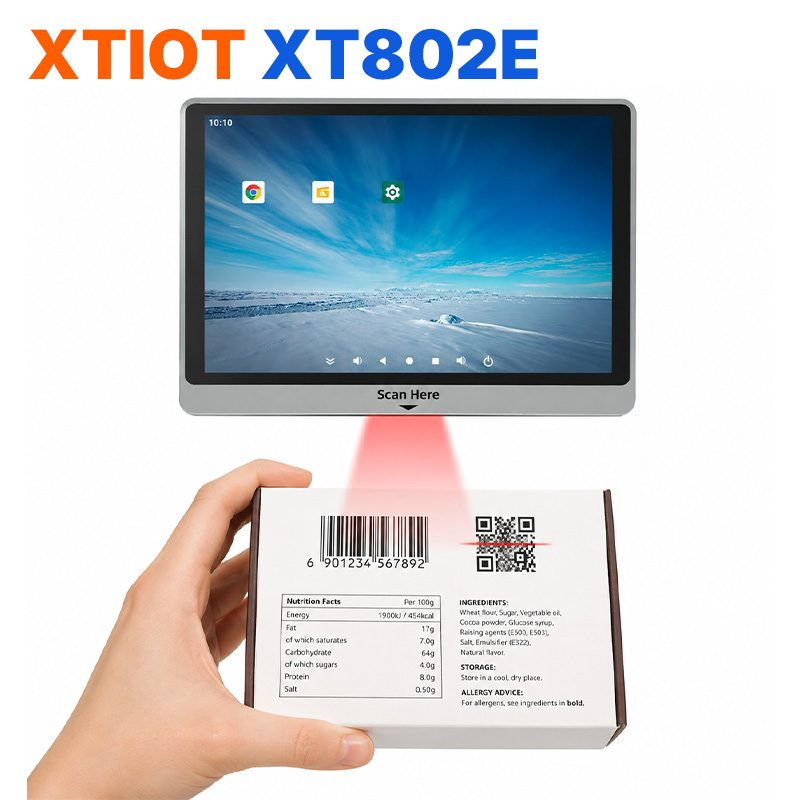
XT802E
XT802E is a 10.1 inch Android 11 industrial panel PC with 800×1280 resolution, housing 242×173×35mm, weight 878g,
See specs and selection →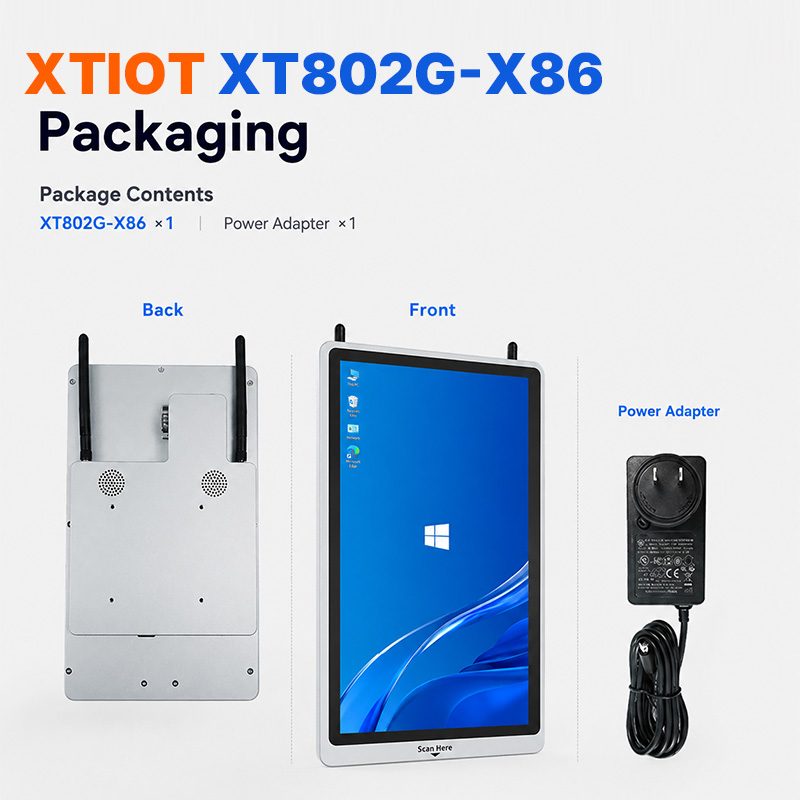
XT802G-X86
XT802G-X86 is an 11.6 inch Windows 10 industrial panel PC with Intel J4125 quad-core and 8G + 128G,
See specs and selection →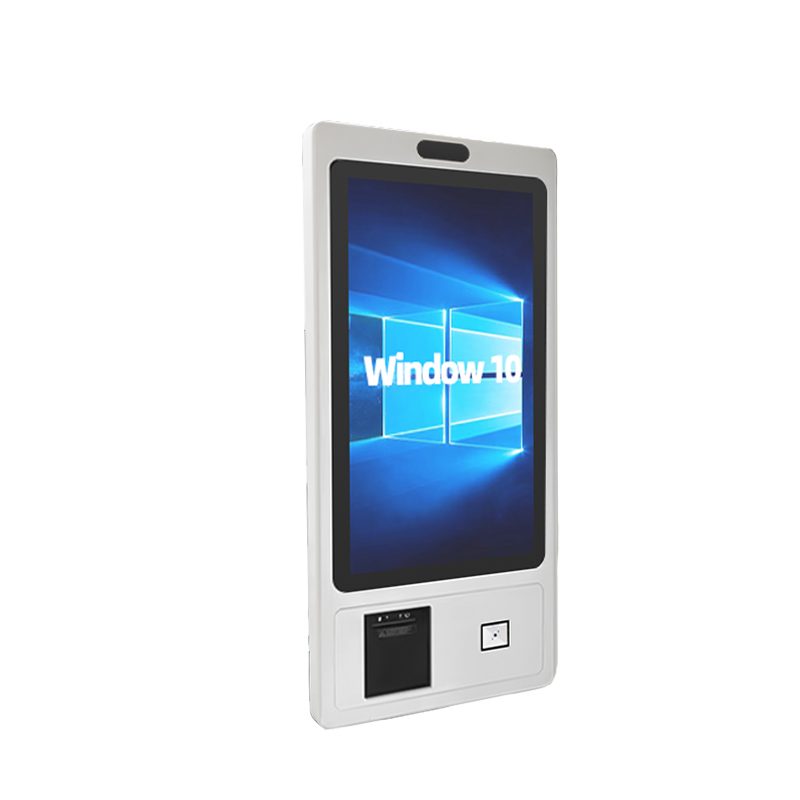
XTCM320
XTCM320 is a 32 inch Windows portrait all-in-one with 1080×1920, i5-3320M and 4G + 128G SSD,
See specs and selection →Describe your workstation and we will provide a configuration you can install directly
Describe the process, cycle time, scanning distance and software environment (MES / ERP / in-house), and we will provide a model, bracket and port proposal within 24 hours.